
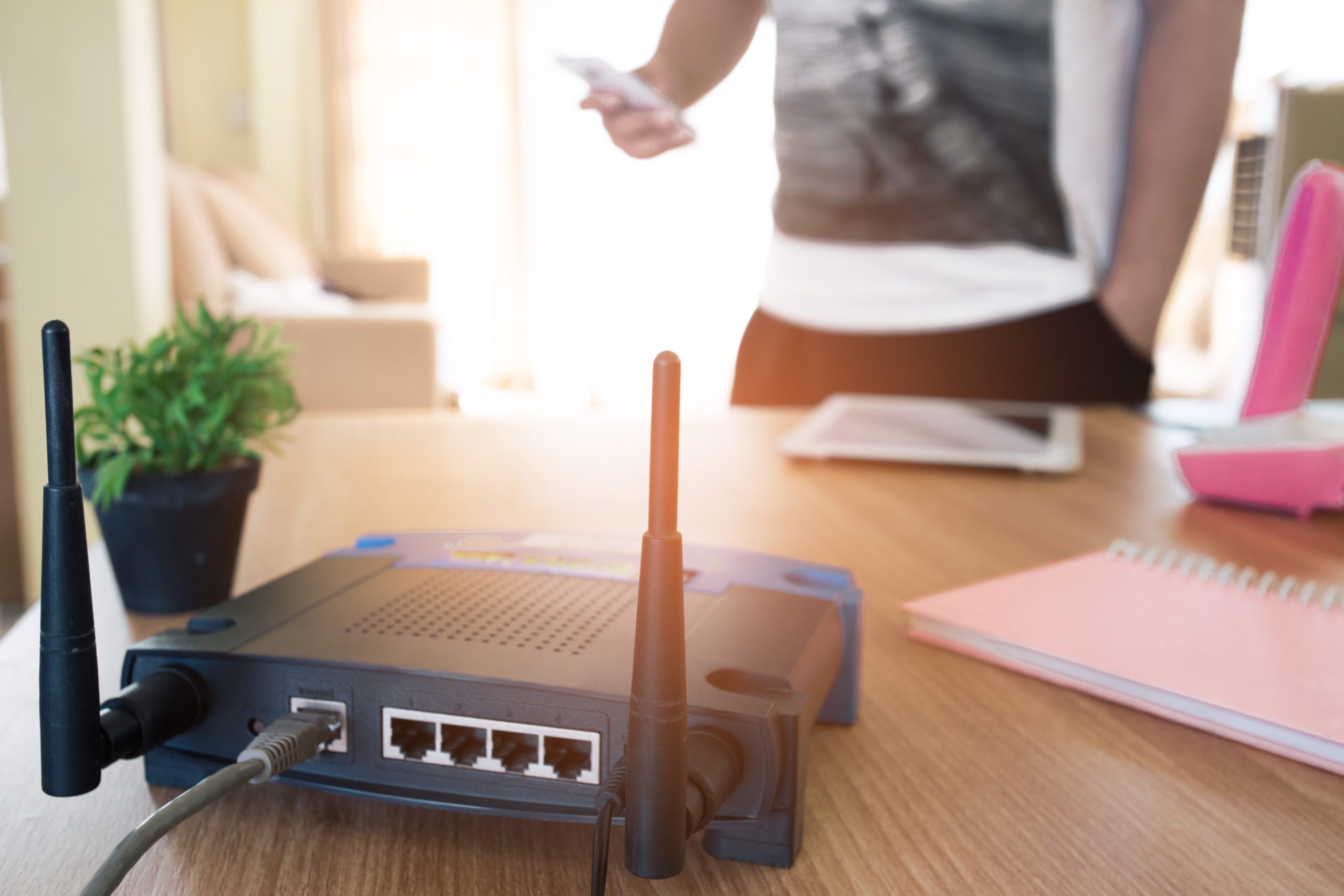
If your fiber internet is capable of multi-gig speeds but seems like it’s underperforming, you may actually have a router problem. How long do routers last? It’s not always about the age of the device but about the technology inside.
An older router only built for Wi-Fi 5 or Wi-Fi 6 simply wasn’t built to handle the simultaneous demands of 8K streaming, AI agents, and VR workspaces. But getting a new router isn’t just about speed, it’s also about capacity, security, and an uninterrupted life no matter how many devices you use at home.
Here’s how to upgrade a router to optimize your internet speed and performance.
How often to replace a router: Signs it’s time for an upgrade
Even if it feels like you haven’t had your router for that long, remember how quickly technology evolves. The first sign it’s time to get a Wi-Fi router replacement is if your hardware is more than three years old. That’s because it won’t be Wi-Fi 7 compatible and is likely causing a bottleneck.
You’ll notice this as latency in critical apps, especially if your home is device heavy. Older routers struggle when more than 30 devices are active, including smaller smart home technology like cameras, lights, and sensors. If your VR headset stutters, your 4k streaming buffers, or your AI voice assistant takes too long to respond, your router’s processor may be overwhelmed.
Finally, you may notice that your old router can’t support the latest security software updates. Post-quantum cryptography (PQC) needs modern hardware that helps protect against “Harvest Now, Decrypt Later” attempts and other sophisticated schemes.
Not sure which is the best router to choose? Quantum Fiber® from AT&T provides a Wi-Fi CERTIFIED 7™ device as standard equipment for customers, so you don’t have to shop around and compare specs yourself.
Troubleshooting: The 30-second health check
Even after figuring out how often you should replace a router, there may also be some user error behaviors impacting your fiber internet speeds. Here are three quick fixes that can help boost performance:
- Remove physical obstacles: It’s natural to want to try and hide your router in a cabinet or behind the television. But in 2026, it’s time to live by the line-of-sight rule. In other words, the best location for a router is in a high, open area that limits signal obstructions as much as possible.
- Upgrade legacy devices: Sometimes it’s not the router causing issues, it’s outdated devices that can’t keep up with the latest Wi-Fi standards. The struggle can impact your entire network, causing even your newest devices to slow as well. If you can’t replace all your legacy laptops and tablets, consider disconnecting them from the internet when not in use (which is easy to do through the Quantum Fiber app).
- Reboot vs. reset: Use the Quantum Fiber app to perform a remote optimization of your modem and router before deciding to buy new gear. Open the app and navigate to “Network Information” to restart your hardware. This five-minute update could help with connectivity issues.
The gold standard: Why Wi-Fi 7 is no longer optional
Updating your router won’t be a 100% fix if you don’t have the internet speeds to support the latest hardware. Wi-Fi 7 is essential to enjoy fast speeds because it uses multiple bands at once to help ensure your newest phone or laptop never loses its grip on the data, resulting in a dropped connection. Wi-Fi 7 acts as a wide highway with 320MHZ channels that can fit more data into the airwaves for 8k video streaming and other large file transfers.
It’s also a must-have for homes with dozens of smart devices, using Multi-Link Operation (MLO) to leverage different bands at the same time. Devices with lower data needs are sent through a 2.4GHz band, while those that require more connectivity are sent through a higher band. That means your gaming speeds aren’t impacted by your smart fridge’s update.
The gold standard: Why Wi-Fi 7 is no longer optional
Updating your router won’t be a 100% fix if you don’t have the internet speeds to support the latest hardware. Wi-Fi 7 is essential to enjoy fast speeds because it uses multiple bands at once to help ensure your newest phone or laptop never loses its grip on the data, resulting in a dropped connection. Wi-Fi 7 acts as a wide highway with 320MHZ channels that can fit more data into the airwaves for 8k video streaming and other large file transfers.
It’s also a must-have for homes with dozens of smart devices, using Multi-Link Operation (MLO) to leverage different bands at the same time. Devices with lower data needs are sent through a 2.4GHz band, while those that require more connectivity are sent through a higher band. That means your gaming speeds aren’t impacted by your smart fridge’s update.

The gold standard: Why Wi-Fi 7 is no longer optional
Updating your router won’t be a 100% fix if you don’t have the internet speeds to support the latest hardware. Wi-Fi 7 is essential to enjoy fast speeds because it uses multiple bands at once to help ensure your newest phone or laptop never loses its grip on the data, resulting in a dropped connection. Wi-Fi 7 acts as a wide highway with 320MHZ channels that can fit more data into the airwaves for 8k video streaming and other large file transfers.
It’s also a must-have for homes with dozens of smart devices, using Multi-Link Operation (MLO) to leverage different bands at the same time. Devices with lower data needs are sent through a 2.4GHz band, while those that require more connectivity are sent through a higher band. That means your gaming speeds aren’t impacted by your smart fridge’s update.

Future-proofing your connection
A world-class fiber connection deserves a world-class delivery system. Quantum Fiber provides the latest Wi-Fi CERTIFIED 7™ technology so you don't have to keep track of the latest developments.
Ready for a seamless 2026 experience with Quantum Fiber? Check your ZIP code for availability.
Frequently asked questions
Can I use my own router with Quantum Fiber?
Yes, you can use your own router. However, for the best experience, consider using the 360 Wi-Fi system, which is optimized for seamless connectivity.
What should I do with my old router?
Recycle your old router responsibly. Many electronics stores and recycling programs accept routers. Avoid throwing it away to reduce electronic waste.
How often should I replace my router?
Experts recommend upgrading every two to five years, especially if your current router doesn’t support new Wi-Fi standards or struggles with multiple devices.
Wi-Fi CERTIFIED 7TM is a trademark of Wi-Fi Alliance®
Content Disclaimer - All content is for informational purposes only, may require user’s additional research, and is provided “as is” without any warranty, condition of any kind (express or implied), or guarantee of outcome or results. Use of this content is at user’s own risk. All third-party company and product or service names referenced in this article are for identification purposes only and do not imply endorsement or affiliation with Quantum Fiber. If Quantum Fiber products and offerings are referenced in the content, they are accurate as of the date of issue. Quantum Fiber services are not available everywhere. © 2026 AT&T Intellectual Property. AT&T and the Globe logo are registered trademarks of AT&T Intellectual Property. All other marks are the property of their respective owners.