


As the holiday season approaches and colder weather settles in, families tend to spend more time indoors and online. From streaming movies and shopping for gifts to planning travel and hosting virtual gatherings, digital activity spikes during this time of year. With that increase comes a timely reminder: cybersecurity awareness isn’t just for IT professionals or businesses. It’s a household priority.
Cyberthreats like phishing scams, fake shopping sites, and malicious ads often surge during the holidays, targeting distracted users and vulnerable devices. Practicing safe browsing habits can help protect personal information, maintain privacy, and support a more secure online experience for everyone in the home. And with high-speed internet from Quantum Fiber helping support connected households, families can have the bandwidth to stay informed, engaged, and digitally prepared.

What Cybersecurity awareness means for everyday browsing
Cybersecurity awareness is the practice of recognizing online risks and taking proactive steps to avoid them. It also empowers users to take control of their digital environment, making everyday interactions safer and more intentional. For everyday internet users, this means:
- Identifying threats like phishing emails, malware, and fake websites
- Making informed decisions about what to click, download, or share
- Building habits that support privacy and data protection
Whether you're checking your bank account, shopping for gifts, or helping your child with homework, cybersecurity awareness helps you navigate the internet with confidence and care.
Seven steps to promote safe browsing
1. Use a secure, updated browser
Your browser is your gateway to the internet—and your first line of defense. Keeping it updated helps patch vulnerabilities and improve built-in security features. Avoid using outdated or unsupported browsers, which may lack protection against modern threats. Regular updates often include fixes for newly discovered security flaws, which can help prevent unauthorized access or data leaks. Taking a few minutes to review your browser settings—such as disabling third-party cookies or enabling secure DNS—can further support safe online habits
2. Check website security before entering information
Before entering personal or financial information, take a moment to verify the site’s security:
- Look for “https://” and a padlock icon in the address bar
- Hover over links to confirm legitimacy
- Avoid sites with misspelled URLs or unusual formatting
These small checks can help prevent data theft and protect your privacy during online transactions. Cybercriminals often create convincing replicas of trusted websites to trick users into sharing sensitive information. If a site feels off—whether it loads slowly, contains low-quality images, or asks for unnecessary personal details—it’s worth pausing before proceeding. Bookmarking frequently used sites and accessing them directly can help avoid accidental clicks on spoofed links or misleading search results
3. Avoid clicking on search ads or pop-ups
Malicious ads often mimic legitimate brands, especially during the holiday shopping rush. Some deceptive ads may even appear on reputable websites, making it harder to distinguish between safe and unsafe content. These ads often use urgent language, countdown timers, or flashy graphics to pressure users into clicking. Taking a moment to verify the source and avoiding impulse clicks can help protect your device and personal information. Staying alert during seasonal promotions is especially important, as scammers often capitalize on holiday urgency. Instead of clicking on search ads or pop-ups:
- Scroll past ads and navigate directly to trusted websites
- Use bookmarks for frequently visited sites
- Block notifications from unfamiliar sources
This helps reduce exposure to fake deals, malware, and phishing attempts.
4. Use strong passwords and multi-factor authentication
Passwords are a critical part of online security. Strong passwords act as digital gatekeepers, helping prevent unauthorized access to personal accounts and sensitive information. Reusing the same password across multiple platforms can increase vulnerability, especially if one account is compromised. Strengthen your accounts by:
- Creating unique passwords with a mix of letters, numbers, and symbols
- Avoiding personal details like birthdays or pet names
- Using a password manager to store and generate secure credentials
Multi-factor authentication (MFA) adds another layer of protection by requiring a second form of verification, such as a code sent to your phone or an authenticator app. MFA helps mitigate this risk by adding a verification step that’s difficult for attackers to bypass, even if a password is stolen. Encouraging kids and teens to adopt these habits early can support safe online behavior as they grow into more independent internet users.
5. Browse privately on public Wi-Fi
Public Wi-Fi networks—like those in airports, cafes, or hotels—can expose your data to nearby users. Hackers can intercept unencrypted data on public networks, making it easier to access login credentials, personal messages, or financial information. Even seemingly harmless activities like checking social media or browsing news sites can leave a digital trail that’s vulnerable to tracking. Using a VPN helps mask your location and browsing behavior, adding a layer of privacy that’s especially useful when traveling or working remotely. If you need to browse in public:
- Avoid accessing sensitive accounts (banking, email, etc.)
- Use a VPN to encrypt your connection
- Consider using a mobile hotspot for added security
By relying on a secure home connection like Quantum Fiber, families can help minimize exposure to these risks and maintain greater control over their online environment.
6. Limit sensitive data storage in browsers
Browsers often offer to save passwords, credit card details, and other sensitive information. While convenient, this can pose a risk if your device is compromised. If someone gains access to your device—whether through malware or physical theft—saved browser data can be exploited quickly. Autofill features may seem helpful, but they can expose sensitive information with just a few clicks. Regularly reviewing your browser’s security settings and disabling unnecessary storage options adds an extra layer of protection. Encouraging kids and teens to avoid saving passwords or payment details on shared devices can also support safer digital habits across the household. Instead:
- Use encrypted password managers
- Avoid storing payment information in autofill fields
- Clear saved data regularly
This helps reduce the chance of unauthorized access and supports safe browsing habits.
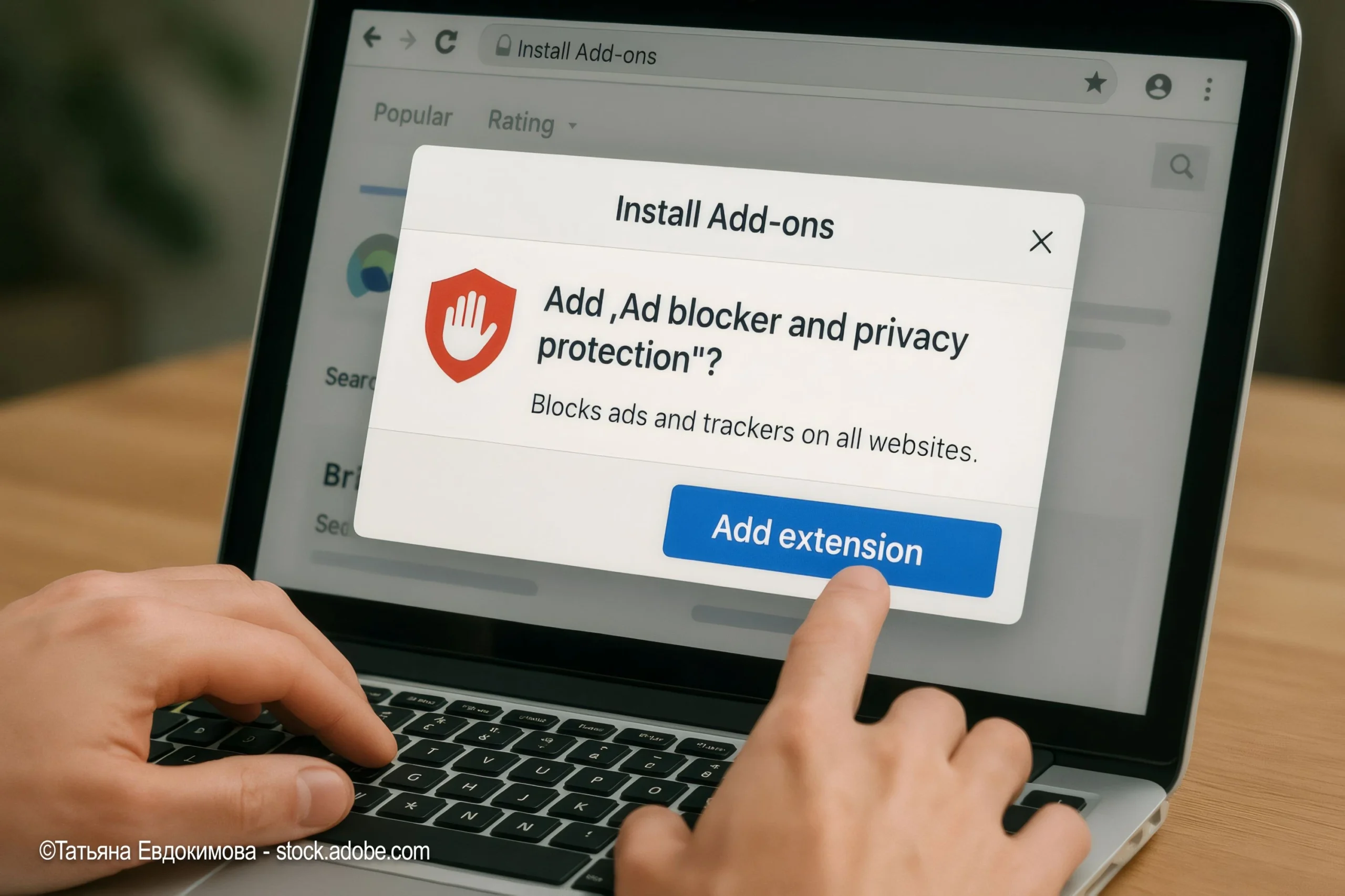
7. Clear browsing data and manage extensions
Over time, cookies, cache, and browsing history can accumulate and affect both privacy and performance. Regularly clearing this data helps:
- Prevent tracking by third-party sites
- Improve browser speed and responsiveness
- Reduce exposure to outdated or vulnerable extensions
Audit your browser extensions to ensure they’re from trusted sources and still necessary. Some extensions may request access to browsing activity or personal data, making it important to review permissions and uninstall anything unfamiliar. Even well-known extensions can become outdated or change ownership, potentially introducing security risks. Setting a monthly reminder to clean up your browser and review installed tools can help maintain a safe, more efficient online experience. With consistent connectivity from Quantum Fiber, these maintenance tasks can be completed quickly across your household devices.

How high-speed internet supports safe browsing
A strong internet foundation helps ensure that security tools function as intended, with minimal lag or dropped connections that could leave devices vulnerable. It also allows families to integrate smart home systems—like cameras, locks, and alarms—with confidence, knowing those tools rely on consistent connectivity to stay effective. With Quantum Fiber, families gain not just speed, but the stability needed to support proactive cybersecurity practices.
When every device in the household operates on a reliable, high-speed network, it becomes easy to maintain a secure digital environment and respond quickly to potential threats. A secure digital experience depends not only on habits but also on infrastructure. High-speed internet plays a key role in cybersecurity by:
- Supporting timely software updates and security patches
- Enabling virtually uninterrupted use of parental controls and monitoring tools
- Facilitating encrypted communications for smart home devices and virtual meetings
Seasonal cybersecurity awareness tips
The holiday season brings unique digital challenges. Cybercriminals often take advantage of the festive rush, knowing that people are distracted by travel plans, gift shopping, and social events. Staying vigilant during this time helps protect not only your personal data but also the digital safety of your entire household. Here are a few tips to keep in mind:
Be cautious with holiday deals and promotions
- Avoid clicking on links in unsolicited emails or texts
- Verify the legitimacy of online retailers before making purchases
- Watch for signs of phishing, such as urgent language or unfamiliar attachments
Avoid downloading apps or games from unofficial sources
- Stick to official app stores
- Read reviews and check permissions before installing
- Monitor children’s devices for new downloads
Monitor smart devices and connected gifts
- Update firmware and change default passwords
- Review privacy settings before connecting to your home network
- Limit data sharing and disable unnecessary features

Make safe browsing a year-round habit
Cybersecurity awareness isn’t just a seasonal concern—it’s an ongoing practice. By building safe browsing habits now, families can support digital wellbeing throughout the year.
Encourage conversations about online safety, share tips with loved ones, and revisit your household’s cyber plan regularly. Quantum Fiber high-speed internet can help support secure connections and smart home integration so your family has the tools to stay informed and protected.
Content Disclaimer - All content is for informational purposes only, may require user’s additional research, and is provided “as is” without any warranty, condition of any kind (express or implied), or guarantee of outcome or results. Use of this content is at user’s own risk. All third-party company and product or service names referenced in this article are for identification purposes only and do not imply endorsement or affiliation with Quantum Fiber. If Quantum Fiber products and offerings are referenced in the content, they are accurate as of the date of issue. Quantum Fiber services are not available everywhere. Quantum Fiber service usually means 100% fiber-optic network to your location but, in limited circumstances, Quantum Fiber may need to deploy alternative technologies coupled with a non-fiber connection from a certain point (usually the curb) to your location in order to provide the advertised download speeds. ©2026 Q Fiber, LLC. All Rights Reserved. Quantum, Quantum Fiber and Quantum Fiber Internet are trademarks of Quantum Wireless LLC and used under license to Q Fiber, LLC.