
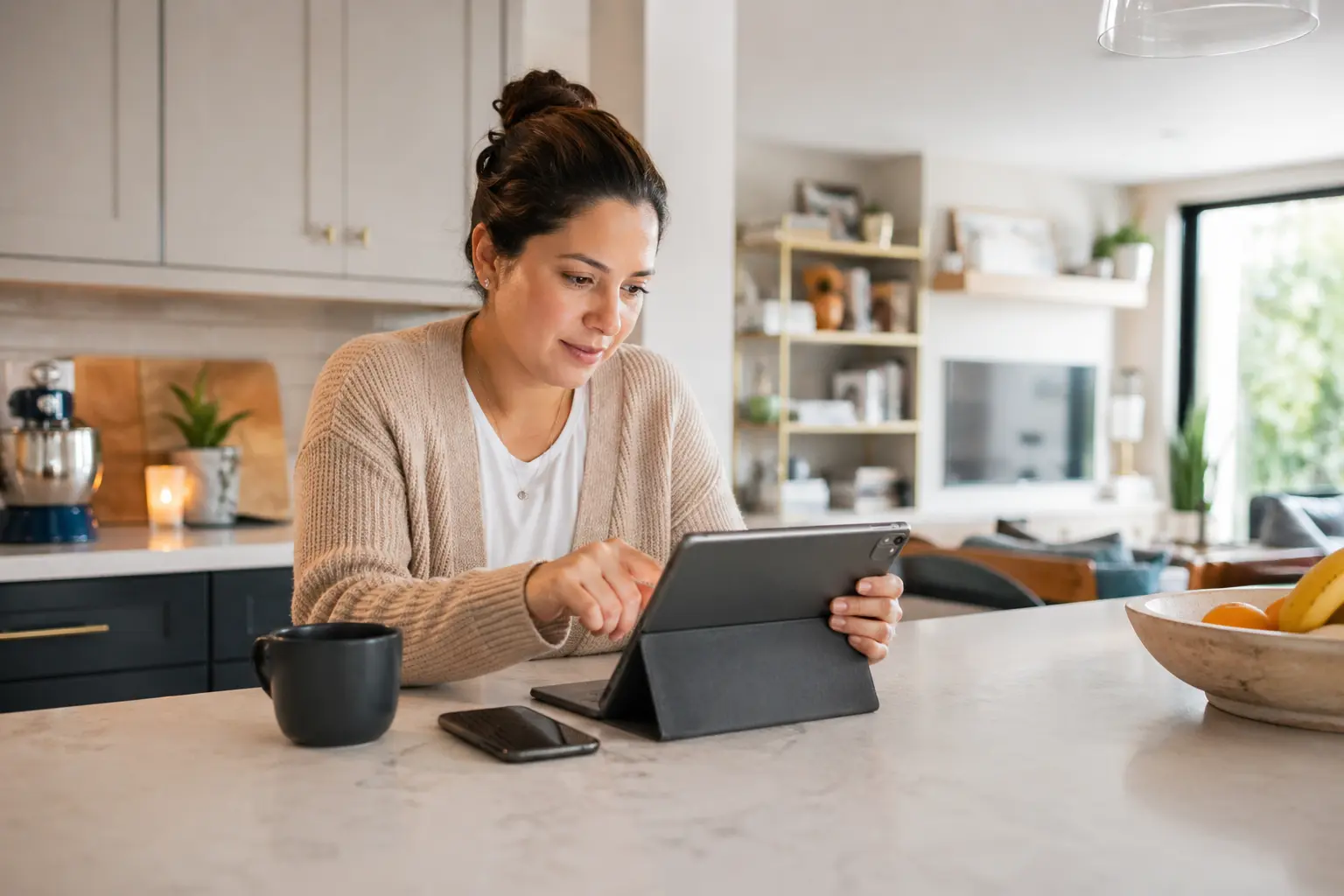
Quick summary: Deciding how often you should change your Wi-Fi password is a balance between maintaining a fresh network and managing the time it takes to reconnect your devices. Most experts suggest a rotation every three to six months for your primary network, while your guest network may require more frequent updates. However, if your guest network is rarely used, it may not need to be changed regularly—consider updating it only after major visiting events or if you suspect unauthorized access. With advanced Wi-Fi technology, Quantum Fiber® from AT&T can help make managing these updates more intuitive, which helps keep your smart home running smoothly while providing an enhanced online experience.
We’ve all been there: you know it’s time to update your network credentials, but the thought of re-entering a new password into every smart plug, light bulb, and camera in the house feels like a massive chore. It’s one of the most common dilemmas in the modern connected home. You want a fresh start for your connection, but you also want to avoid the "smart home hurdle" of manually re-syncing dozens of gadgets that don't even have a screen or a keyboard. This process is about much more than just numbers and symbols; it is about taking control of your digital environment.
The question of how often should you change your Wi-Fi password isn't just about technical maintenance; it's about lifestyle management and reclaiming your bandwidth. If you're using Quantum Fiber Internet, regular maintenance helps ensure a solid foundation for all your online activities, keeping your connection reliable and your digital experiences seamless. Think about that neighbor you let jump on your connection while their internet service was down a few months ago—they might still be using your Wi-Fi without you even realizing it. While it was a kind gesture at the time, those "temporary" connections can linger, quietly drawing from your signal and potentially impacting your overall experience. Because devices often stay logged in indefinitely, a password that was meant for a weekend can end up being used for a year.
This guide moves past the typical tech-heavy talk and focuses on the practical side of network rotation. We will explore the ideal frequency for your home, the reality of managing a fleet of smart devices, and the strategies that make the update process fast and efficient. Whether you're a minimalist with a single laptop or a power user with a fully automated estate, Quantum Fiber is designed to help make these transitions easy. By taking control of your credentials and your Service Set Identifier (SSID), you help ensure that your high-speed fiber connection is used exactly how you intended. Reclaiming your bandwidth is a simple way to help maintain performance across all your favorite devices.
Key takeaways
Regular network maintenance helps provide an enhanced experience for your connected devices.
- A rotation of every three to six months is the standard recommendation for most households to help minimize unauthorized access.
- Guest networks should be updated more frequently, ideally every month or after every major visiting event.
- Changing your SSID (network name) is a powerful way to clear out old device "clutter" and help hide your network from former users.
- Updating smart devices is the biggest challenge of a password change, requiring a strategic approach to save time.
Table of contents
- Finding your network rotation rhythm
- Managing your guest network password frequency
- Deciding when to change your SSID name
- The neighbor scenario: reclaiming your bandwidth
- The smart home hurdle: managing the reconnect
- Pro tips for a faster password update
- Advanced hardware for easier management
- Moving forward with a smarter connection
- Frequently asked questions on Wi-Fi updates
Finding your network rotation rhythm
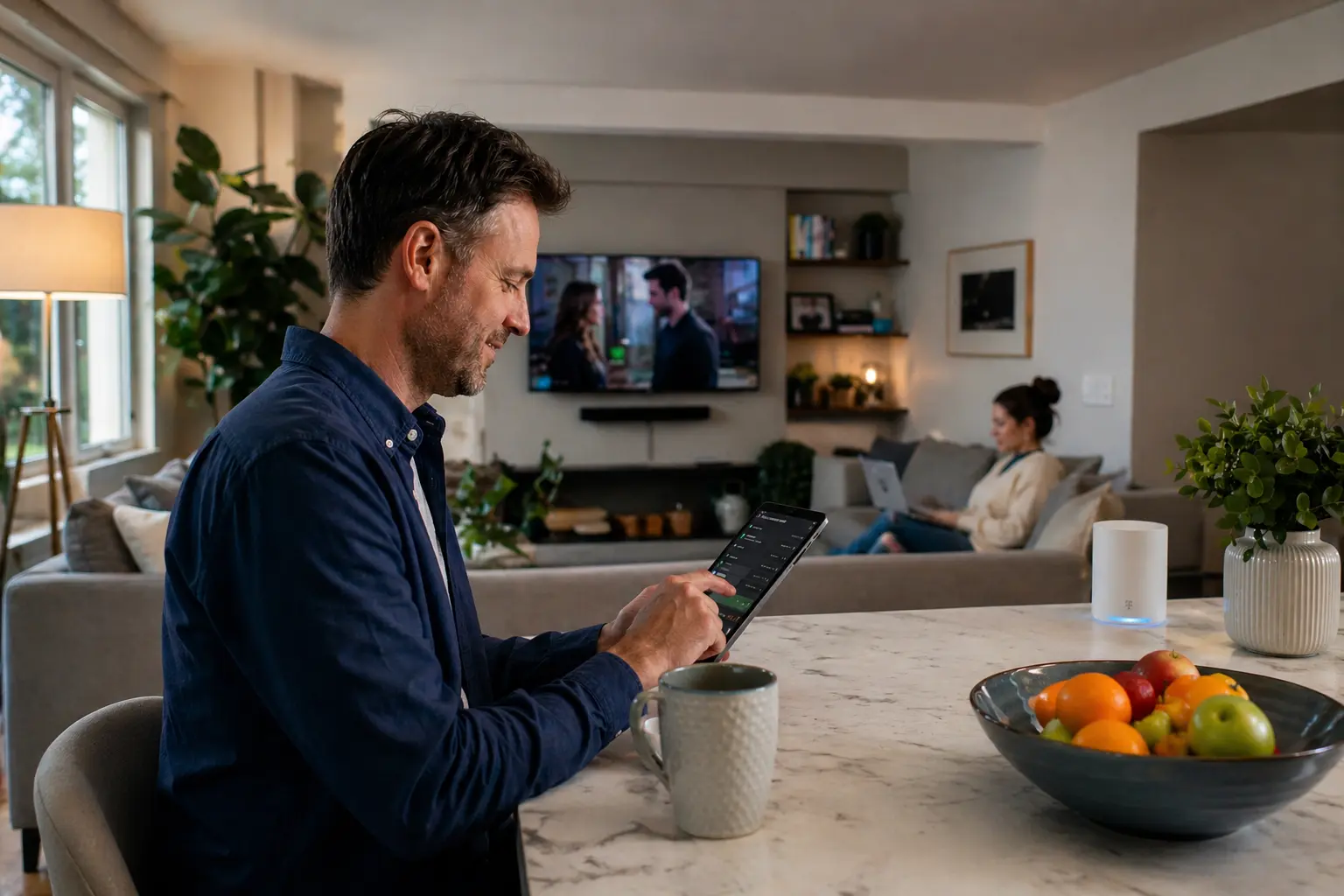
When considering how often should you change your Wi-Fi password, the best approach is to treat it like other seasonal home tasks, such as changing the batteries in your smoke detectors. For most users, a three-to-six-month window is a great choice. This timeframe is long enough that you aren't constantly fiddling with settings, but short enough to help ensure that your network doesn't become a free-for-all for anyone who has ever visited your home. If you live in a secluded area with very few neighbors, you might find that once a year is plenty to keep things fresh.
The frequency of your updates often depends on your "network footprint." If you frequently host guests, have kids who share the password with friends, or live in a dense apartment complex, your rotation should be more aggressive. Every time you share that string of characters, your control over your bandwidth diminishes slightly. A quarterly refresh acts as a digital "spring cleaning," clearing out the ghosts of connections past and helps ensure your low-latency internet performance is reserved for your household's needs.
| House type | Suggested change frequency | Logic |
| High-traffic residents | Every 3 months | Frequent visitors and close proximity to others in urban areas. |
| Standard suburban households | Every 6 months | Balanced maintenance for multiple users and typical smart homes. |
| Secluded lifestyles | Once a year | Lower risk of unauthorized signal overlap from nearby properties. |
| Post-guest events | Immediately | Best for short-term visitors or one-time gatherings. |
Establishing this rhythm early on helps you stay ahead of potential performance issues. When too many devices are "parked" on your connection—even if they aren't actively being used—they can still ping the router for updates or background syncs. A regular password change forces a reset of this device list, which helps maintain the snappy, responsive feel of your fiber connection. It's a simple habit that leads to a much more predictable and enjoyable online experience for everyone in your home. By being proactive, you help minimize the potential for congestion before it even starts.
Managing your guest network password frequency
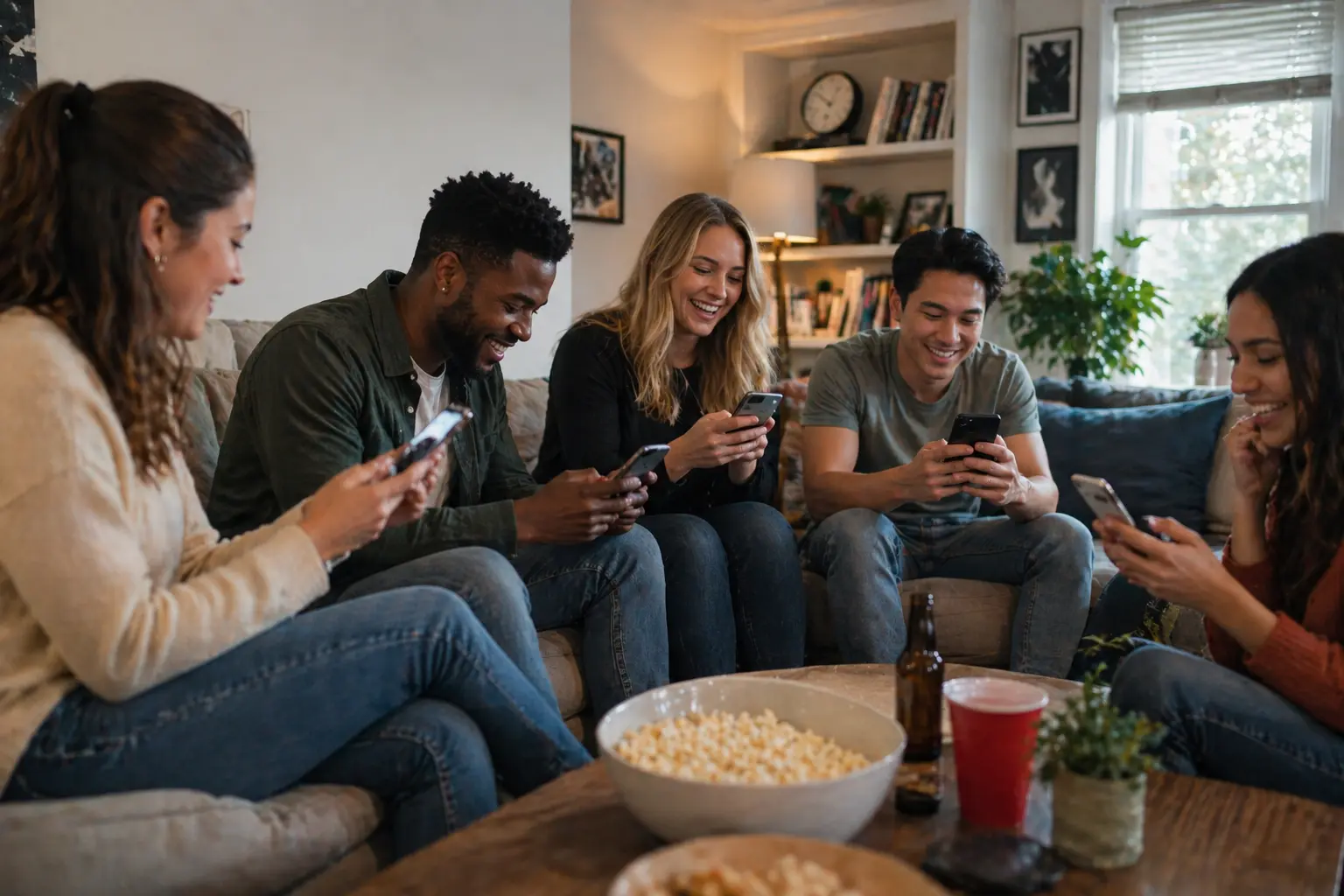
While your main network password should be changed every few months, your guest network requires a different strategy. A guest network is a separate access point that allows visitors to get online without gaining access to your primary network and its connected devices. Because this password is given out more freely, it is more likely to be saved on devices you don't control. We recommend updating your guest network password at least once a month, or immediately after you host a large group of people.
Frequent updates to the guest network are one of the most effective ways to help ensure your primary bandwidth remains yours. By rotating the guest password often, you prevent a "set it and forget it" situation where a one-time visitor can reconnect to your Wi-Fi from their car in the driveway weeks later. This also helps protect your smart home devices, as visitors never even have the credentials for your main network. This simple separation is a powerful tool for maintaining whole-home Wi-Fi integrity.
- Change monthly: Set a recurring reminder to refresh the guest password.
- After houseguests leave: Once your visitors head home, reset the guest credentials.
- Post-service visits: If a technician or contractor needed Wi-Fi to complete a job, update the password after they finish.
- Special events: After parties or gatherings, a quick refresh helps ensure your signal isn't being used by everyone on the block.
Managing this through a digital tool like the Quantum Fiber app makes it a very fast task. You can quickly generate a new password for the guest network and even share it via a QR code. This removes the need to constantly remember a new string of characters while helping to ensure that your home's digital boundaries remain firm. It is a modern solution for a modern household that values both hospitality and consistent performance. This practice helps keep your main network clear of accidental background traffic.
Deciding when to change your SSID name
Your Service Set Identifier (SSID)—the name people see when they scan for Wi-Fi—is just as important as your password. While you don't need to change your SSID as often as your password, there are specific times when a name change is beneficial. Changing your SSID is a great way to clear out old settings; it makes it clear to every device that a new configuration is in place. If you only change the password, some devices might continuously try to connect with old, cached credentials, which can lead to connection loops.
You should consider changing your SSID whenever you suspect your network has been compromised or if you've recently moved into a new home. It’s also an excellent idea to change it if you have just upgraded your hardware, such as installing a new hardwired Wi-Fi pod (the device many commonly call "the router"). A fresh name helps ensure that all your devices see the new equipment as a new destination, helping to minimize the potential for devices trying to use outdated settings from your previous setup.
- When moving: A new home deserves a new network identity to help avoid signal confusion with former residents.
- After security concerns: If you suspect an unauthorized user, a new SSID makes your network harder for them to identify.
- Hardware upgrades: When moving to Wi-Fi 7 or adding new pods, a new name helps provide a clean slate for connection.
- Network clutter: If your "available networks" list is full of old device names, a fresh SSID resets the list.
A new SSID also provides a psychological benefit: it reminds you exactly who has access to your home. By choosing a unique name that doesn't include your last name or address, you add a layer of privacy. Combined with a strong password, a fresh SSID helps ensure your advanced Wi-Fi technology is running at its absolute peak. It is a simple, effective step in a comprehensive network maintenance plan that helps provide a virtually uninterrupted experience.
The neighbor scenario: reclaiming your bandwidth
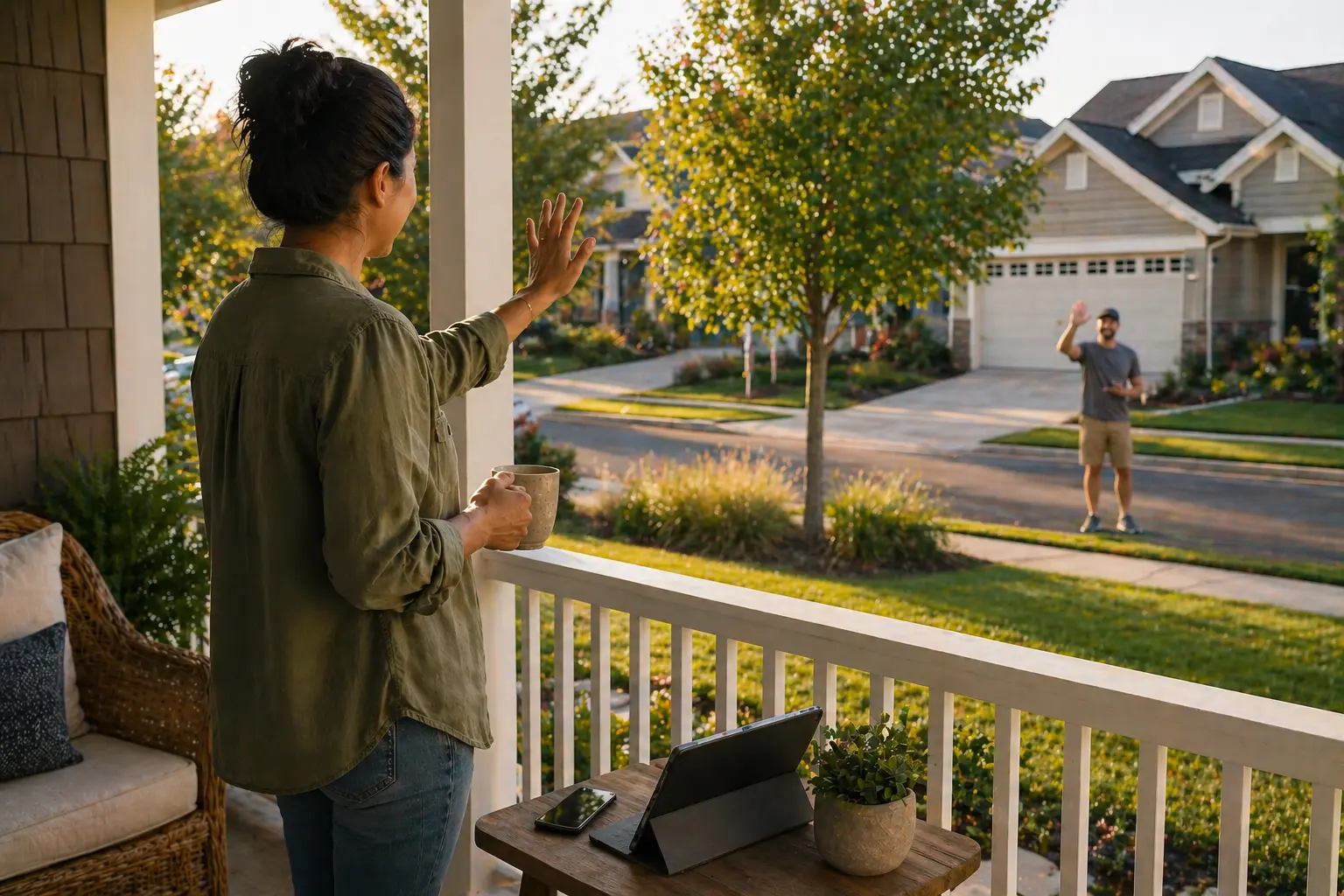
Being a good neighbor is a hallmark of a great community, but it can sometimes lead to unexpected network issues that slow you down. We have all been in the position where a neighbor’s internet service was down, and we offered them our Wi-Fi password so they could finish a work project or check their email. While this is a kind and neighborly thing to do, that person’s devices are now programmed to auto-join your network whenever they are within range of your signal.
Months later, they might still be using your Wi-Fi while their internet service is down again—or even just because their device happens to pick up your stronger signal first while they are in their backyard. This means your bandwidth is being split with someone outside your home, which can translate to slower speeds for your own streaming or gaming. By changing your password, you can help minimize the potential for these lingering connections, which helps ensure that the symmetrical speeds on most plans you pay for stay inside your own home. Reclaiming your signal doesn't mean being unfriendly; it just means helping ensure the performance of your own network.
This scenario is especially common in townhomes or apartment buildings where signals travel easily between units. You might find that your smart TV is competing with your neighbor's tablet for the same slice of bandwidth. A password refresh effectively "evicts" these accidental guests, giving your own devices the priority they deserve. If you want to continue helping your neighbor, consider setting them up on a guest network instead, which allows you to change that specific password without affecting your entire household setup. This helps ensure that your kindness doesn't lead to long-term performance issues.
The smart home hurdle: managing the reconnect
The real reason many people avoid changing their credentials is what we call the "smart home hurdle." In a modern house, a password change isn't just about your phone and laptop; it’s about your thermostat, your smart oven, your outdoor cameras, and every single smart bulb in the hallway. These devices often don't have screens, making the re-connection process feel tedious. You often have to go into each individual manufacturer's app, reset the physical device, and walk through the setup process all over again.
This hassle is real, and it’s why some choose to keep the same password for a long time. However, leaving your credentials stagnant can eventually impact your network performance. Older devices might continue to ping your router, creating unnecessary traffic and potential bottlenecks. A fresh password helps ensure that only the devices you actually use are active. While the initial hour of re-connecting your gear is a chore, the resulting "clean" network often helps maintain a more consistent experience for your high-priority activities like competitive gaming or professional remote work.
To make this hurdle smaller, it helps to keep a digital "inventory" of your devices within the Quantum Fiber app. Knowing exactly how many bulbs, plugs, and cameras you have allows you to move through the house systematically. Many people find that once they get into a rhythm, they can update a dozen devices in under twenty minutes. This small investment of time helps ensure that your network remains lean and efficient, helping to minimize the "device creep" that can slowly impact performance over time.
Pro tips for a faster password update
You don't have to spend your entire Saturday re-pairing devices if you have a strategic plan in place. The key to a fast update is preparation and prioritization. Before you change the password in your settings, make a list of your "must-have" devices versus your "nice-to-have" gadgets. Start with the essentials—your work computer, your primary TV, and your phone. Then, tackle the smart home ecosystem in batches rather than trying to do everything in one sitting.
One of the best ways to speed up this process is by using the Quantum Fiber app. The app allows you to see exactly which devices are struggling to connect, which helps you identify what still needs attention. Additionally, many modern smart devices support "easy setup" features that can detect a new network configuration if your phone is already connected to it. By keeping your phone as the first device to update, you can often "bridge" the connection to other smart gear more quickly.
- Update the bridge first: If you have a smart home hub for lighting or security systems, updating the hub often automatically reconnects all associated devices without individual pairing.
- Use the app functionality: Check the Quantum Fiber app to see a real-time list of what is and isn't connected to your network during the transition.
- Batch your update tasks: Don't try to do the whole house at once; update the living room on Saturday and the bedrooms on Sunday to avoid update fatigue.
- Implement a guest network strategy: Consider using a guest network for visitors so you can change that password as often as you like without ever having to re-pair your smart bulbs.
- Standardize your manufacturers: Using devices from the same ecosystem often allows you to update multiple gadgets through a single app, saving significant time.
Advanced hardware for easier management
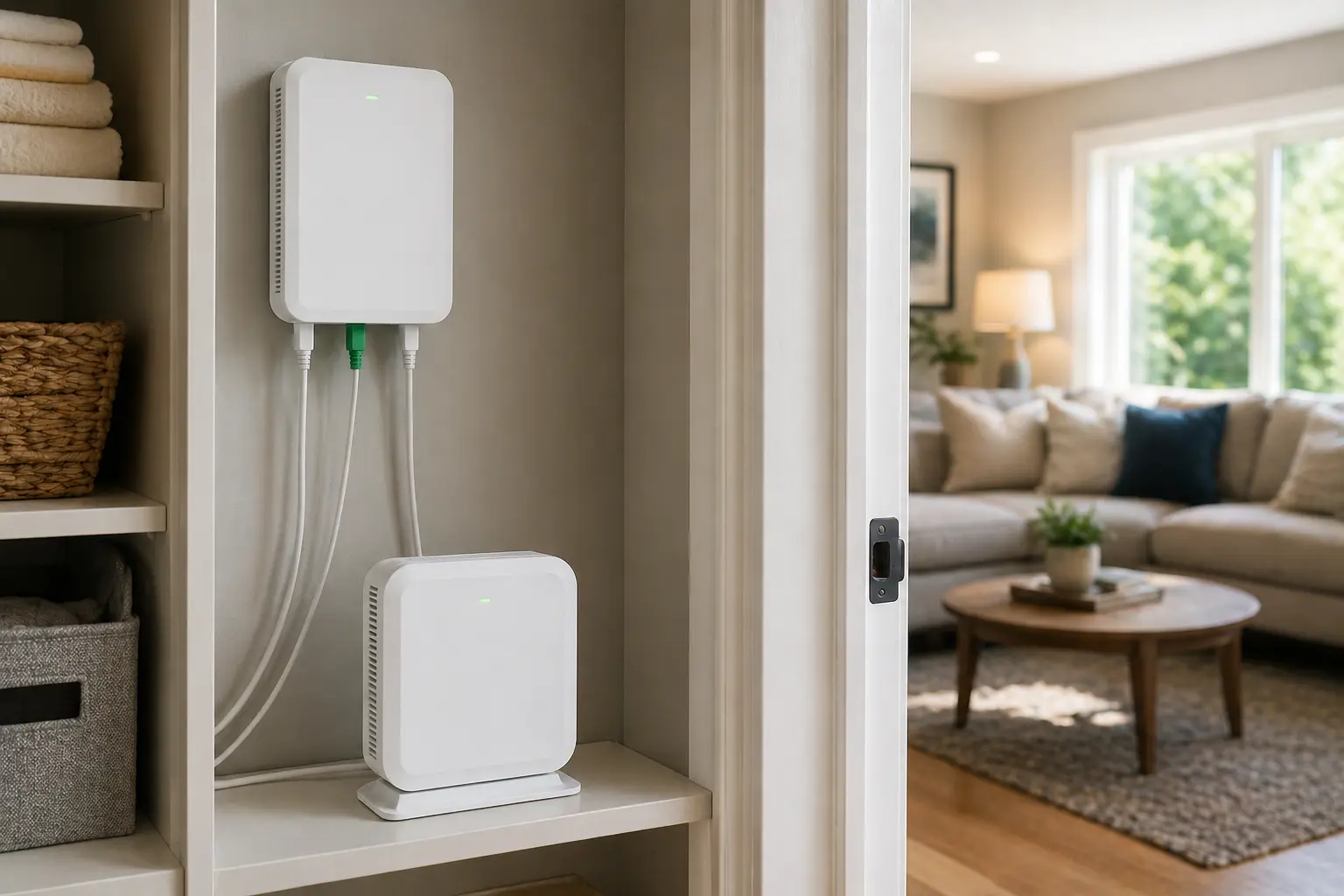
The hardware you use plays a massive role in how easy it is to manage your network and how quickly your devices reconnect. Quantum Fiber provides advanced Wi-Fi technology powered by Wi-Fi 7, which is designed to handle high-capacity environments with ease. This means that even as you add additional smart devices, the network is built to handle the traffic from many connected devices simultaneously with an enhanced, consistent connection.
Wi-Fi 7 equipment, which is included for qualifying locations, also helps provide approximately 25% greater coverage than Wi-Fi 6. This improved range means your smart devices in the far corners of your home—like outdoor cameras or garage door openers—stay connected reliably during the re-pairing process. When it comes time to change your password, having a strong, consistent signal helps ensure that the handoff between your phone and your smart devices is smooth. Plus, with 99.9% reliability, based on network uptime or availability, you can trust that your network will be ready and stable when you need it.
Advanced features like device prioritization within the app also help you manage your bandwidth after a password change. You can tell the network to help ensure that your work laptop always gets the fastest available speeds, even if your smart fridge is busy downloading a software update in the background. This level of control is what makes a modern fiber connection so different from legacy technologies; it’s not just about speed, but about the intelligence of the hardware supporting your lifestyle. This helps provide a virtually uninterrupted experience for your most important online tasks.
Moving forward with a smart connection

Maintaining your home network shouldn't feel like a burden that stops you from enjoying your technology. By understanding how often you should change your Wi-Fi password and utilizing guest networks and app-based tools, you can keep your connection fresh and fast without the headache. The goal is to create a digital environment that supports your lifestyle, rather than one that requires constant troubleshooting or manual resets.
With Quantum Fiber, you have a partner in your digital journey. Our fiber-optic infrastructure connection with no annual contract and a focus on transparency. We provide the speed and the digital tools you need to manage your smart home with confidence and ease. Whether you're rotating your passwords to reclaim your bandwidth from a neighbor or refreshing your SSID to keep your network organized, we are here to help ensure your experience is consistent and reliable.
When was the last time you gave your network a fresh start to clear out those old connections? Check availability in your area today and see how much easier a truly modern internet connection can be.
Frequently asked questions on Wi-Fi updates
How often should you change your Wi-Fi password?
Most experts recommend a full rotation every three to six months. This frequency provides a balance between maintaining a fresh, high-performance network and avoiding the inconvenience of re-connecting all your smart home devices too often. It helps ensure your home network stays private and efficient.
When should i change my SSID name?
You should consider an SSID name change if you move homes, suspect unauthorized access, or upgrade to new hardware like Wi-Fi 7. A new name helps provide a clean slate for all your devices and helps ensure they aren't using old, cached settings from previous equipment.
How often should I update my guest network password?
We recommend changing your guest network password once a month or after hosting a major event. Since this password is shared more frequently, rotating it often helps ensure your primary bandwidth remains reserved for your household. This practice helps minimize the potential for bandwidth drain from former guests.
What happens to my smart home if I don't update the password?
If you change your Wi-Fi password and don't update a device, it will simply go offline. It will be unable to communicate with your other smart devices or your smartphone until you provide the new credentials. You can use the Quantum Fiber app to see which devices are currently disconnected.
Will changing my password help with excessive buffering?
Yes, if your buffering is caused by too many unauthorized devices using your signal. A password change clears out these unwanted connections, which helps ensure more bandwidth is available for your streaming and gaming. It is a simple way to help maintain a smooth online experience.
Content Disclaimer - All content is for informational purposes only, may require user’s additional research, and is provided “as is” without any warranty, condition of any kind (express or implied), or guarantee of outcome or results. Use of this content is at user’s own risk. All third-party company and product or service names referenced in this article are for identification purposes only and do not imply endorsement or affiliation with Quantum Fiber. If Quantum Fiber products and offerings are referenced in the content, they are accurate as of the date of issue. Quantum Fiber services are not available everywhere. © 2026 AT&T Intellectual Property. AT&T and the Globe logo are registered trademarks of AT&T Intellectual Property. All other marks are the property of their respective owners.