

Having multiple Wi-Fi networks at home means creating separate connections for different groups of devices, such as personal devices, kids' devices, smart home gadgets, and guests. This approach helps support stronger security, steadier performance, and simplified parental controls compared to relying on a single shared network. Homeowners with several connected devices can benefit from this type of Wi-Fi network segmentation.
Picture a typical evening at home: someone is on a video call in one room, a game console is mid-download in another, and a handful of smart plugs and cameras are quietly checking in with the internet in the background. When every device shares one Wi-Fi network, it can be harder to keep tabs on what is connected, how bandwidth is being used, or who has access to what.
This article is for anyone managing a home with multiple people, devices, or smart gadgets who wants a simpler way to stay organized online. You will learn why splitting a home network into multiple Wi-Fi networks can help, a straightforward four-network setup you can use as a model, and what to consider when comparing this approach to the Wi-Fi tools available through Quantum Fiber® from AT&T.
Good to know: For the best Quantum Fiber® from AT&T experience, we recommend using the equipment we provide, though you may use your own Wi-Fi solution if you prefer. With third-party equipment, Quantum Fiber® from AT&T cannot install or troubleshoot your Wi-Fi or Ethernet setup, and if you change the standard configuration, we may only be able to verify speeds to the main fiber equipment, with limited remote diagnostics. You also will not have access to advanced Wi-Fi features from Quantum Fiber® from AT&T, including security and malware protection, parental controls, wireless optimization, proactive monitoring, and Wi-Fi technical support. Your own equipment may offer similar features, though some may require a paid subscription, software license, or additional configuration, so it helps to check with the manufacturer for details.
Key takeaways
Before diving into the details, here is a quick look at the main points this article covers.
- Splitting devices across multiple Wi-Fi networks helps support stronger security and steadier performance at home.
- A simple four-network setup—main, kids, smart home (IoT, or internet of things), and guest—can cover most households.
- Quantum Fiber® from AT&T offers parental control profiles and a QR-code guest access feature through a single home network.
- Some residents choose to bring their own Wi-Fi router or mesh system for a more advanced, segmented setup.
Why Wi-Fi network segmentation helps at home
Splitting a home network into multiple Wi-Fi networks helps address a few common frustrations at once. Instead of every laptop, phone, smart plug, and game console sharing one connection, each group of devices gets its own dedicated space. Here is what that can help support.
- Helps strengthen security: keeping lower-security devices, like smart plugs or cameras, off the same network as laptops and phones can help contain potential issues if one device is ever compromised.
- Helps support steadier performance: bandwidth-heavy or frequently connecting smart home devices are less likely to compete for space with the devices relied on for work, streaming, or video calls.
- Helps simplify parental controls: rather than configuring restrictions device by device, a dedicated kids' network can help manage screen time and content access for the household in one place.
- Helps support guest privacy: a separate network means visitors and their devices never need access to the main password or other connected devices in the home.
A simple four-network setup for your home
Getting started does not require advanced networking knowledge, though this kind of setup is generally achieved using your own Wi-Fi router or mesh system, since equipment provided by Quantum Fiber® from AT&T is built around a single home network. Customers wanting an advanced setup can use a straightforward, four-network approach that covers most households, and the table below offers a quick side-by-side view before the details that follow.
| Network name | Best for | Key benefit |
|---|---|---|
| MyWiFi | Personal devices, like laptops, phones, and gaming consoles | Helps keep sensitive traffic on a trusted, primary network |
| MyWiFi-Kids | Children's tablets, consoles, laptops and kids gaming devices | Helps simplify screen time and content controls in one place |
| MyWiFi-IoT | Smart plugs, appliances, cameras, thermostats, and similar devices | Helps contain potential issues and reduce interference |
| MyWiFi-Guest | Visiting friends and family | Helps support guest privacy without sharing the main password |
MyWiFi – the main network
MyWiFi is the primary network, reserved for trusted devices and residents, such as personal laptops, phones, and everyday household devices. Since it carries sensitive traffic, this network benefits from a strong password and should be reserved for day-to-day, trusted use. This network is also a good fit for gaming consoles and PCs, since keeping gaming traffic on the main network, away from smart home devices that frequently check in with the internet, can help support a steadier, low-latency connection during online play.
MyWiFi-Kids – parental controls Wi-Fi for the family
Creating a dedicated network for children's devices helps make it easier to apply content filters, screen time schedules, and access limits in one place, rather than adjusting settings on every individual tablet, game console, or laptop. It also helps keep their devices separate from the ones used for work or banking, adding an extra layer of reassurance.
MyWiFi-IoT – a home for smart devices
Smart plugs, thermostats, doorbell cameras, and other connected gadgets, sometimes called IoT (internet of things) devices, are convenient but are not always built with strong security in mind. Placing them on a separate network from personal devices helps contain potential issues and can also help reduce interference so other devices get the bandwidth they need.
MyWiFi-Guest – a guest Wi-Fi network for visitors
Giving friends and extended family a network of their own means they can get online without touching the main password or gaining access to personal devices. It is a simple way to be a good host while helping keep the most sensitive traffic, and the smart home, off-limits to anyone just passing through.
A quick consideration: is more always better?
Four networks tend to work well for most households, but it helps to know that adding networks beyond that point does not automatically translate into added benefit. Every active network name, sometimes called an SSID (service set identifier), requires ongoing management traffic in the background to keep it broadcasting and available to devices. Loading a single router or hardwired Wi-Fi pod with a long list of networks can add up to more of this background traffic competing for the same airtime that your devices use to connect and stay online, which may work against the steadier performance you are trying to achieve. Keeping to a handful of purposeful networks, such as the four described above, tends to help strike a helpful balance between organization and performance.
A note on Wi-Fi options from Quantum Fiber® from AT&T
Quantum Fiber® from AT&T Wi-Fi is built for residents who want a simple, dependable solution without having to worry about managing an advanced setup themselves. For residents with Quantum Fiber® from AT&T, it helps to know how this fits with the Wi-Fi tools already available. Quantum Fiber® from AT&T offers advanced Wi-Fi technology, powered by Wi-Fi 7, built around a single home network that is designed to be easy to set up and manage from the start. Parental controls are managed through profiles in the Quantum Fiber app, which helps residents set access schedules and content restrictions for family members without needing a completely separate kids' network.
While there is not a traditional standalone guest network, Quantum Fiber® from AT&T helps make sharing access simple with a built-in QR code feature: guests can scan the code in the app and join the main network more e, with no password typing needed. For many households, this streamlined, all-in-one approach helps cover everyday needs, along with the added benefit of installation support, remote diagnostics, and Wi-Fi technical support that come with using the equipment we provide.
That said, customers wanting an advanced setup may prefer to bring their own Wi-Fi router or mesh system to create a more advanced, segmented configuration, like the four-network approach described above, and a fiber-optic connection can help support that kind of custom setup too. As noted earlier, this trade-off means giving up the installation support, remote diagnostics, and advanced Wi-Fi features available through Quantum Fiber® from AT&T.
Staying connected, organized, and secure at home
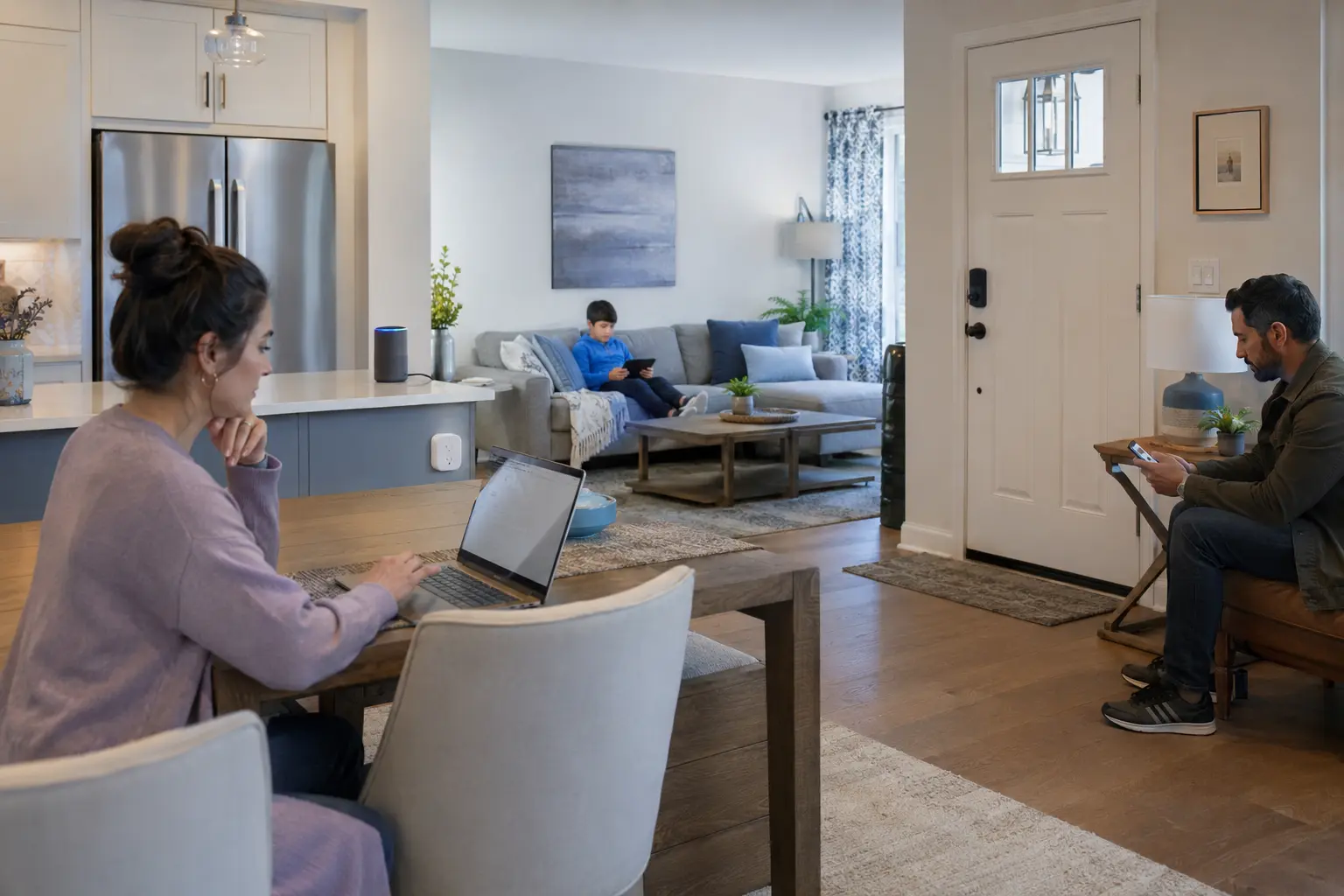
Whether a household sticks with a single all-in-one network or branches out into a MyWiFi, MyWiFi-Kids, MyWiFi-IoT, and MyWiFi-Guest setup, the right choice comes down to specific needs at home. Splitting devices across multiple Wi-Fi networks can help support stronger security, steadier performance, and simpler parental controls, and customers wanting an advanced setup can achieve this using their own Wi-Fi equipment.
For residents already connected through Quantum Fiber® from AT&T, advanced Wi-Fi technology, parental control profiles, and QR-code guest access are available with no annual contract, offering a helpful starting point before deciding whether additional segmentation is needed. Checking availability in a specific area is a simple first step toward exploring these options.
What would change at home if every device, from personal phones to smart plugs, had its own dedicated space on the network?
Frequently asked questions on multiple Wi-Fi networks at home
Do I need extra equipment to set up multiple Wi-Fi networks?
A four-network setup is generally achieved using your own Wi-Fi router or mesh system, since equipment provided by Quantum Fiber® from AT&T is built around a single home network. For the best Quantum Fiber® from AT&T experience, we recommend using the equipment we provide, though customers wanting an advanced setup may use their own Wi-Fi solution if they prefer. Keep in mind that with third-party equipment, installation, troubleshooting, remote diagnostics, and advanced Wi-Fi features are not available through Quantum Fiber® from AT&T, so it helps to check with the equipment manufacturer about which features are included.
How is a guest Wi-Fi network different from a kids' network?
A guest network is designed for temporary, limited access for visitors, while a kids' network is meant for ongoing use with content filters and screen time controls tailored to household members. Both help keep sensitive traffic on the main network separate from other devices.
Does Quantum Fiber offer parental controls and a guest network?
Quantum Fiber® from AT&T supports parental controls through profiles in the app, built on a single home network. Rather than a separate guest network, it offers a QR code that lets guests join the main network almost instantly, which helps simplify sharing access without a separate password.
Can having multiple Wi-Fi networks help slow down internet speeds?
Splitting devices across multiple networks is designed to help manage traffic more efficiently rather than slow things down. By keeping bandwidth-heavy or frequently connecting devices on their own network, other devices may experience steadier performance overall.
Is there a downside to having too many Wi-Fi networks?
Four networks tend to work well for most households, but adding networks beyond that point does not automatically translate into added benefit. Every active network name, or SSID (service set identifier), requires ongoing management traffic in the background to stay broadcasting, so loading a single Wi-Fi router with a long list of networks can add up to more background traffic competing for the same airtime your devices use to connect. Keeping to a handful of purposeful networks tends to help strike a helpful balance between organization and performance.
Content Disclaimer - All content is for informational purposes only, may require user’s additional research, and is provided “as is” without any warranty, condition of any kind (express or implied), or guarantee of outcome or results. Use of this content is at user’s own risk. All third-party company and product or service names referenced in this article are for identification purposes only and do not imply endorsement or affiliation with Quantum Fiber. If Quantum Fiber products and offerings are referenced in the content, they are accurate as of the date of issue. Quantum Fiber services are not available everywhere. © 2026 AT&T Intellectual Property. AT&T and the Globe logo are registered trademarks of AT&T Intellectual Property. All other marks are the property of their respective owners.