
In a world of AI agents and immersive online spaces, digital literacy has evolved beyond just using a mouse—it's about confidence and safety. What is digital literacy? Today, the term has expanded from being able to access and find information to competently judging its accuracy and quality.
Luckily, you don’t need a degree to master the continually evolving digital world. You simply need the right tools and a fast internet connection. A reliable fiber connection transforms your home into a high-tech classroom no matter what your education goals may be.
Here are four types of digital literacy tools you can use for any stage in life.
The essential toolkit: Foundational web skills
You don’t have to be a digital native who grew up alongside the internet to become a skilled user and improve your quality of life. In a recent study, 60% of senior participants who actively worked on their digital literacy skills reported better health, less loneliness, and greater confidence.
Here are three resources to use as a starting point in creating your own at-home curriculum for foundational web skills.
- org:. From getting started with email to using Google Maps for directions, there are dozens of learning modules to choose from on DigitalLearn, a one-stop shop from the Public Library Association (and supported by AT&T) for computer basics, hardware, and job-search resources.
- Tech Life Unity: This YouTube channel focuses on step-by-step tutorials for using popular websites, social media, and mobile apps. In addition to reading online articles and guides, you can also watch Tech Life Unity videos for free on YouTube.
- LearnFree: When you’re ready to uplevel your skills, check out the more than 2,000 lessons on LearnFree. Choose a goal to get personalized content based on your learning needs. Options include themes like getting better with tech, learning Google and Microsoft tools, and building work skills.
Having the right fiber internet with low latency gives you high-quality delivery when following interactive, video-based tutorials. The Quantum Fiber Wi-Fi setup also offers built-in security as you learn to navigate the web and apps on your home network, including anti-virus protection and malicious website filters.
AI literacy: Navigating the 2026 landscape
If you’re like most Americans, you likely have some kind of interest in using AI to help with your everyday tasks. According to one survey, 73% of people say they’d let AI assist “at least a little” with everyday responsibilities. But how do you get started using AI responsibly? Start with these three digital literacy tools.
- ai: FreeAcademy.ai helps you master AI tools for nearly anything, from job hunting to summarizing documents. If you just want to see how these tools can help you manage your day-to-day workload, check out the AI for Everyday Life course, which covers practical use of assistants like ChatGPT and Claude.
- Google Applied Digital Skills: Wondering how to incorporate AI into your work life? Browse Google’s Applied Digital Skills platform to learn how to use AI-powered Workspace tools, such as Google Docs or Sheets.
- Common Sense Media: If you want to give your kids a safe foundation for using AI responsibly, check out the AI literacy lessons from Common Sense Media. Start with the basics on how AI works, then move into deeper topics like AI bias, algorithms, and plagiarism.
- The Achievery: Explore kid-friendly topics surrounding AI with The Achievery (along with other subject areas), including ethics, prompt engineering, and more.
Career & productivity: Moving beyond the basics
Digital skills have been a pre-requisite in over 80% of online job listings for over a half a decade, and that number likely rises as AI continues to take center stage in economic news. In fact, LinkedIn’s most recent list of fastest growing professional skills all require digital literacy. The top three include AI engineering and implementation, operational efficiency, and AI business strategy.
Stay ahead of the hiring curve by beefing up your digital literacy skills with these resources for professionals.
- Microsoft Learn & LinkedIn Learning: Platforms like Microsoft Learn and LinkedIn Learning offer trainings and certificate programs to boost your skills and your credentials.
- Canva AI & Adobe Express: Both Canva AI and Adobe Express offer free-tier design tools that allow beginners to create professional-level visuals using "Magic Design" prompts. That means you can act as your own graphic designer for flyers, resumes, presentations, and more.
- NotebookLM: Made by Google, NotebookLM is a powerful free tool for organizing research and personal documents into a conversational AI "expert." Just upload audio files, PDFs, videos, and more to get notes and insights on demand.
Staying safe: Digital citizenship & privacy
As digital literacy and its related tools become more complex, it’s important to also incorporate safeguards to protect your devices and your personal information.
Start with a fiber internet provider that not only keeps your devices performing at top speeds but also adds layers of cybersecurity to keep bad actors off your network. Quantum Fiber Wi-Fi you manage security and parental controls from your phone. Plus, it takes on the burden with AI-driven protection that acts as training wheels for new users by filtering malicious sites automatically.
For older users who need customized help, tap into the 1:1 telephone support from Cyber-Seniors. Its hotline and online resources offer free tech help designed for older adults.
Finally, explore Northstar Digital Literacy’s free assessments that can help you level up with online learning. Then take self-guided tests to earn certificates and show off your progress.
Your connection is just the beginning
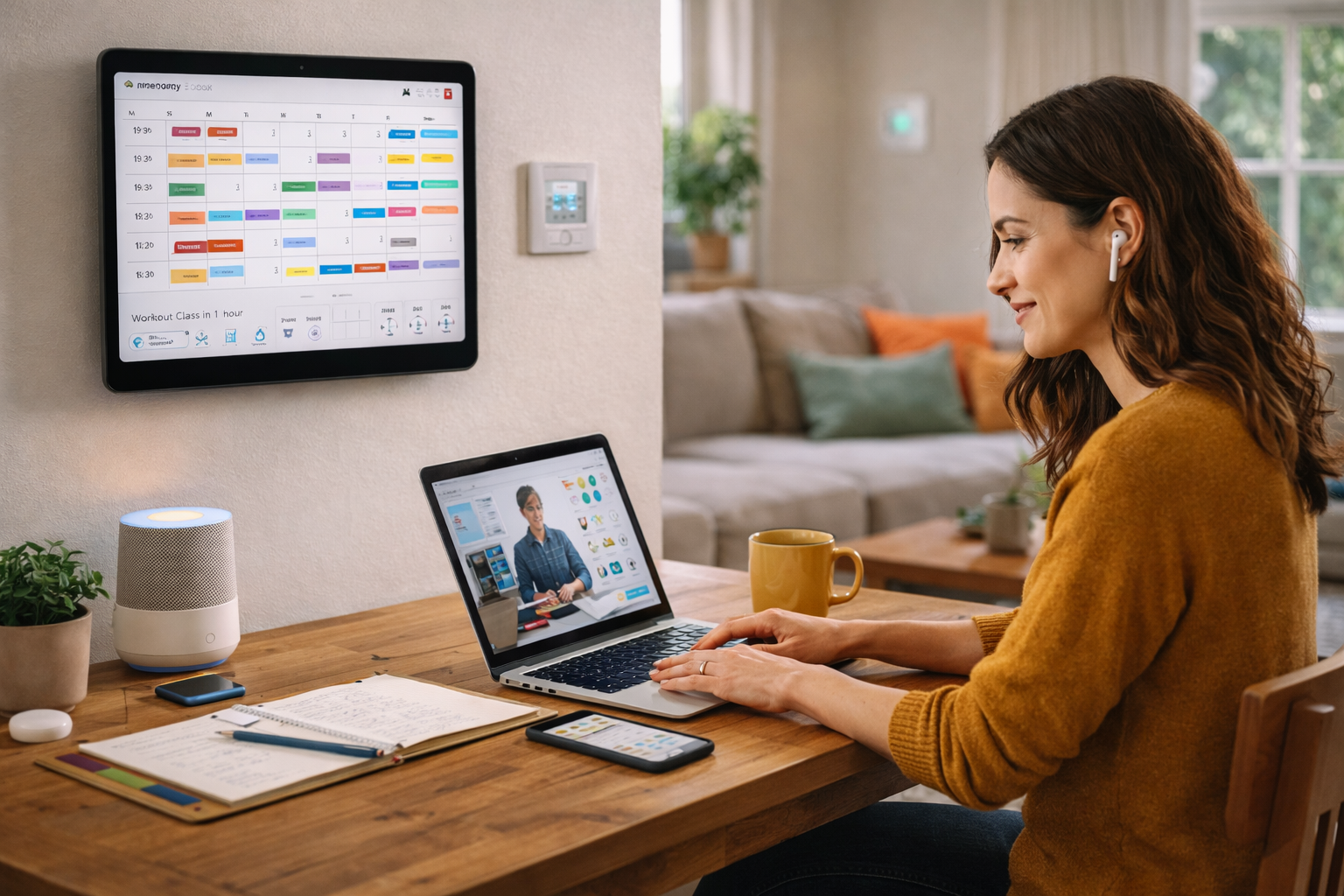
Digital literacy means more than just hooking up your fiber network and browsing on your phone. From connecting with people to boosting your career prospects to managing everyday life, there are so many ways technology can add value and make more time for the things you truly care about.
Whatever your current digital literacy skill level, there’s always room to learn more. Pick one tool and spend 15 minutes each day exploring it to see just how quickly you can make a change. If you’re ready to improve your home internet connection, check to see if Quantum Fiber is available in your area.
Content Disclaimer - All content is for informational purposes only, may require user’s additional research, and is provided “as is” without any warranty, condition of any kind (express or implied), or guarantee of outcome or results. Use of this content is at user’s own risk. All third-party company and product or service names referenced in this article are for identification purposes only and do not imply endorsement or affiliation with Quantum Fiber. If Quantum Fiber products and offerings are referenced in the content, they are accurate as of the date of issue. Quantum Fiber services are not available everywhere. © 2026 AT&T Intellectual Property. AT&T and the Globe logo are registered trademarks of AT&T Intellectual Property. All other marks are the property of their respective owners.