Quick Summary: The 2026 Winter Games in Italy will take place primarily during the U.S. 9-to-5 workday. This guide helps you build the ultimate multi-monitor and home office TV setup to help ensure you catch every gold medal moment while helping you maintain your professional output. With high-speed fiber internet, Peacock Multiview, and a few "stealth" tactics, you can master the art of multi-screening with ease.
The 2026 Winter Games are heading to the breathtaking landscapes of Milano Cortina, and for sports fans in the United States, this means preparing for a digital marathon that happens right in the middle of the 9-to-5 workday. Because Italy is situated six to nine hours ahead of U.S. time zones, the most anticipated events and gold medal matches will unfold while you are supposed to be focusing on spreadsheets, meetings, and emails. In this modern era, one screen is rarely enough to capture the full scope of such a global athletic event, especially when you are balancing professional duties with a passion for winter sports. Whether you are tracking the medal count on your smartphone while pretending to take notes in a morning meeting, or "working" on a budget report while the curling semi-finals run in a discreet corner of your laptop screen, the age of multi-screening has fully arrived.
But let’s be honest: Multi-screening is not merely a habit; it is a specialized skill that requires a fine-tuned balance of bandwidth, focus, and—especially for those who are on the clock—stealth. To truly master the experience, many enthusiasts are turning to multi-monitor setups, dedicated home office TVs, and advanced features like Peacock Multiview. Utilizing a second or even a third monitor connected to your work computer or personal computer allows you to create a dedicated sports command center while helping maintain your professional image. You need an internet connection that can handle multiple high-definition streams from platforms like Peacock, or the digital feeds of NBC, USA Network, and CNBC, all while helping you maintain peak performance. That is exactly where high-speed Quantum Fiber Internet® enters the picture. We understand the thrill of the chase, and we certainly won’t tell your boss that your "deep focus" calendar block is actually spent analyzing the aerodynamic physics of a luge run. Your secret is safe with us as you navigate the unique challenges of a workday global broadcast.
Key takeaways
- The Italy timezone factor: With the games in Italy, most marquee events occur during the standard U.S. 9-to-5 workday, making multi-screening a professional necessity.
- Peacock Multiview is a game-changer: This feature allows you to watch up to four events at once on a single screen, making it a great option for workday multi-tasking.
- Where to watch: Coverage is centered on Peacock for all-access streaming, with broadcast highlights on NBC and specialized event coverage on USA Network and CNBC.
- The multi-monitor advantage: Using a second and third monitor helps you compartmentalize work and play, allowing for "stealth viewing" while helping keep professional tasks front and center.
- Bandwidth is essential: Streaming live sports in 4K across multiple displays while running work applications requires the significant bandwidth that fiber internet helps provide.
- Reliability you can count on: With 99.9% reliability, based on network uptime or availability, you can trust your Quantum Fiber connection during the most intense moments of the 2026 Winter Games.
Jump to the sections that matter most to you
- The Italy timezone challenge: Why the 9-to-5 workday is the prime viewing hour
- Where to watch: Peacock, NBC, and the digital broadcast dial
- Peacock Multiview: The ultimate digital command center
- Maximizing your workspace: The power of the second and third monitor
- The home office TV: Your background window to Milano Cortina
- Why fiber internet is the MVP of your multi-screen setup
- The remote worker’s playbook for stealthy multi-screening
- The technical foundation: Bandwidth, latency, and Wi-Fi 7
- Digital safety while cheering for gold
- Frequently asked questions about multi-screen streaming
- Go for the gold with your home network
The Italy timezone challenge: Why the 9-to-5 workday is the prime viewing hour
When the world gathers in Milano Cortina for the 2026 Winter Games, fans in the United States will face a unique logistical hurdle: The timezone gap. Italy is situated six to nine hours ahead of U.S. time zones. This means that while you are pouring your first cup of coffee and checking your morning emails, some of the most exciting gold medal matches are just getting underway. For many fans, the prime viewing hours won't be in the evening; they will be during the standard 9-to-5 workday.
Italy Time vs. U.S. Workday Comparison
| Italy time (local) |
U.S. Eastern (6h behind) |
U.S. Central (7h behind) |
U.S. Mountain (8hr behind) |
U.S. Pacific (9h behind) |
Typrical event type |
| 10:00 AM | 4:00 AM | 3:00 AM | 2:00 AM | 1:00 AM | Early morning qualifiers |
| 3:00 PM | 9:00 AM | 8:00 AM | 7:00 AM | 6:00 AM | Afternoon finals / Marquee events |
| 8:00 PM | 2:00 PM | 1:00 PM | 12:00 PM | 11:00 AM | Evening medal ceremonies / Prime Drama |
| 11:00 PM | 5:00 PM | 4:00 PM | 3:00 PM | 2:00 PM | Late Night Highlights / Wrap-ups |
This timezone alignment turns the workday into a high-stakes balancing act. You won't be watching these events while relaxing on the couch in the evening; you'll be catching them between meetings, during your lunch break, or while managing a complex project. This is where multi-screening transitions from a luxury to a logistical requirement. You need to help maintain your professional output while helping ensure you don't miss a historic record being broken on the ice or snow.
The challenge is real for anyone in a home office. If your internet connection is sluggish or prone to drops, trying to stream a high-definition hockey game while connected to a corporate VPN or a video conference can lead to frustration. Fiber internet helps provide the stability needed to juggle these competing priorities. It allows you to stay "online" for your team while staying "tuned in" to the competition, helping you navigate the workday with ease.
Where to watch: Peacock, NBC, and the digital broadcast dial
To master the art of multi-screening, you first need to know where the action is happening. For the 2026 Winter Games, the digital landscape is more diverse than ever. While traditional television remains a factor, the primary way most fans will engage with the games is through streaming platforms and network-specific apps.
Peacock: The home for every event
Peacock has established itself as the ultimate destination for global sports fans. During the 2026 Winter Games, Peacock is expected to stream every single event live. This makes it the most powerful tool in your multi-screening arsenal. Whether you want to watch a niche qualifying heat in the early morning or catch a primetime replay, the Peacock app is your digital gateway. Because it streams everything in high definition, it requires a connection that helps provide consistent, high-speed data.
NBC: The primetime experience
NBC remains the flagship for the Winter Games broadcast. While you might watch the primetime highlights in the evening, the live feed of NBC is often streamed during the day via various live TV streaming services. This allows you to catch the most significant moments on your second monitor while your first monitor remains focused on your professional responsibilities.
USA Network and CNBC: Specialized coverage
For die-hard fans of specific sports like curling or hockey, USA Network and CNBC often provide deep-dive coverage. In the past, you might have flipped through cable channels to find these events. Today, most viewers access USA Network and CNBC through streaming apps or live TV platforms (like YouTube TV, Hulu + Live TV, or Fubo). It is important to realize that even though these are "TV channels," they are now mostly streamed over the internet. This shift means that your home network is under more pressure than ever before, as multiple high-definition streams vie for bandwidth.
Peacock Multiview: The ultimate digital command center
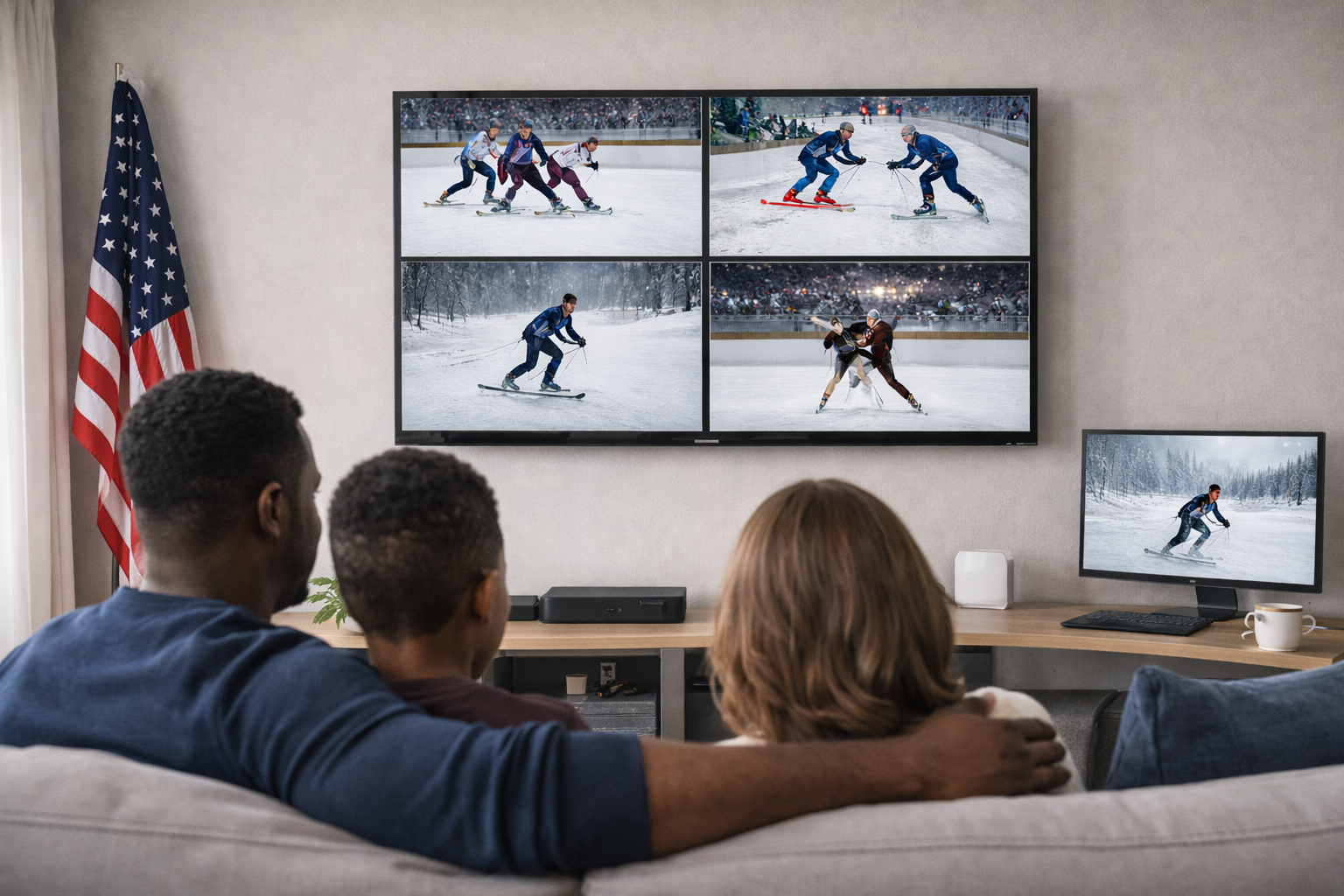
One of the most exciting technological advances for fans of the 2026 Winter Games is Peacock Multiview. This specialized feature is essentially a dream come true for anyone engaged in multi-screening. It allows you to watch up to four live events simultaneously on a single screen, grouped together in a sleek, tiled layout.
Four events, one screen
Imagine having the men’s hockey semi-finals, a heated curling match, a downhill skiing heat, and a figure skating routine all running at once. Instead of constantly switching tabs or reaching for your remote, Peacock Multiview keeps the most critical action front and center. For a remote worker, this is incredibly efficient. It helps minimize the physical movements needed to "check in" on different sports, allowing you to stay productive on your other monitors while keeping a close eye on the medal count.
Pro Tip: Wired for the win: To help ensure your Peacock Multiview stream remains in crisp 4K without stuttering, try hardwiring your primary streaming device or desktop computer directly to your hardwired Wi-Fi pod with an Ethernet cable. This helps bypass any potential wireless interference.
The bandwidth demand of Multiview
It is important to understand that Peacock Multiview is essentially pulling four high-definition video streams at once. This requires a significant amount of bandwidth and low-latency performance to help avoid stuttering or low-resolution playback. This is where Quantum Fiber Internet shines. With symmetrical speeds on most plans and high-capacity fiber technology, your network can handle the intense data load of a four-way tiled stream while helping you maintain a stable connection for your professional work apps.
Maximizing your workspace: The power of the second and third monitor
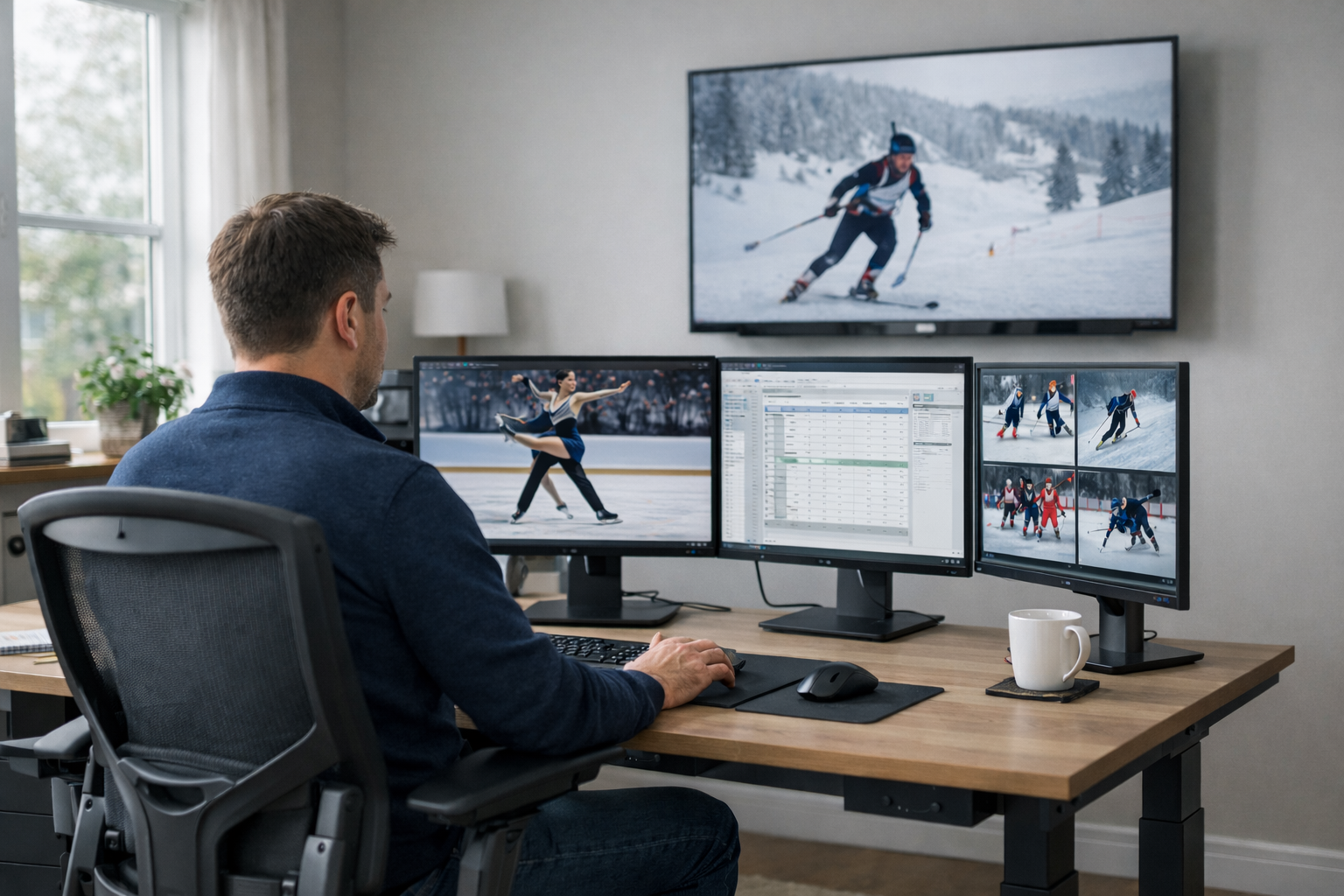
If you are a remote worker, your desk is likely already equipped with a laptop. But during the 2026 Winter Games, that single screen will quickly feel crowded. To truly excel at multi-screening, connecting a second—or even a third—monitor to your work computer is the ultimate move for the dedicated enthusiast.
Monitor 1: The professional display
Your primary monitor (usually the one directly in front of you) should remain the home for your professional life. Keep your email client, project management tools, and spreadsheets here. If your boss or a colleague hops on an unscheduled video call, this is the screen they will see reflected in your eyes. By keeping your work on the main stage, you can maintain a high level of productivity while helping minimize the risk of accidental exposure.
Monitor 2: The live stream station
This is where the magic happens. Your second monitor, perhaps positioned to the left or right, is the dedicated home for the live broadcast. Because you have a dedicated screen for the stream, you can keep the Peacock app—ideally with Multiview enabled—in full-screen mode. This helps you catch every detail of the games while your hands are busy typing away on Monitor 1.
Monitor 3: The information hub
If you are fortunate enough to have a three-monitor setup, the third screen becomes your tactical command center. Use this display to keep a live medal count from the USA Network's digital hub, a social media feed, or a group chat with fellow fans. This allows you to stay fully immersed in the global conversation while helping ensure that your "work" screen remains clutter-free. Just remember: A three-screen setup pulling high-definition video from multiple sources requires a robust connection to function with minimal lag.

The home office TV: Your background window to Milano Cortina
For many remote workers, the home office isn't just a place for a desk and a chair; it’s a fully equipped digital sanctuary that often includes a wall-mounted TV. During the 2026 Winter Games, this TV becomes the MVP of your office setup.
The always-on experience
Having the games running on a TV across the room provides a natural, background viewing experience that feels less intrusive than having a video window open on your work monitor. It allows you to glance up and catch a spectacular jump on NBC or a hard-fought hockey match on CNBC while your computer screens remain dedicated to your 9-to-5 responsibilities. Using Peacock Multiview on your home office TV is particularly effective, as the large screen size helps make each of the four tiled streams easy to see from your desk.
Bandwidth and the smart TV load
A smart TV streaming a high-definition Peacock feed—especially in Multiview mode—adds a significant load to your home network. When you add this to the data being used by your work computer and your second or third monitor, you need a connection that helps provide ample bandwidth. Fiber internet is designed to handle these simultaneous high-data tasks with ease. It helps ensure that your TV stream doesn't cause your work laptop to lose its connection to the corporate server or your video calls to drop in quality.
Why fiber internet is the MVP of your multi-screen setup
When a gold medal is decided by mere fractions of a second, the last thing any fan wants to encounter is a spinning loading icon. This is especially true when you are running a complex multi-monitor station and a home office TV, all streaming content from Peacock or NBC apps. Fiber internet is engineered for high-capacity digital tasks. Unlike older technologies that may struggle when everyone in your neighborhood is also tuning into the same high-profile event, fiber technology uses pulses of light to transmit data.
Symmetrical speeds on most plans
Most traditional internet connections were designed with a focus on downloading, offering fast speeds for receiving data but significantly slower speeds for sending it. For a dedicated multi-screener with multiple monitors and a background TV, upload speed is just as vital. If you are participating in a video call on one screen while your other displays are refreshing live data and your TV is pulling a stream, you are pushing and pulling data simultaneously. Quantum Fiber offers symmetrical speeds on most plans, meaning your upload speed is just as fast as your download speed. This helps ensure your professional and personal streams occur with minimal interference.
Low-latency internet for real-time reactions
In the world of professional sports, a few seconds of delay can feel like an eternity. If your Peacock stream on Monitor 2 is lagging behind the live social media feed on Monitor 3, you might see a celebration notification before you even see the puck hit the net. Low-latency internet helps minimize this frustrating delay, helping keep your multiple screens in sync with the actual events in Milano Cortina.
The remote worker’s playbook for stealthy multi-screening
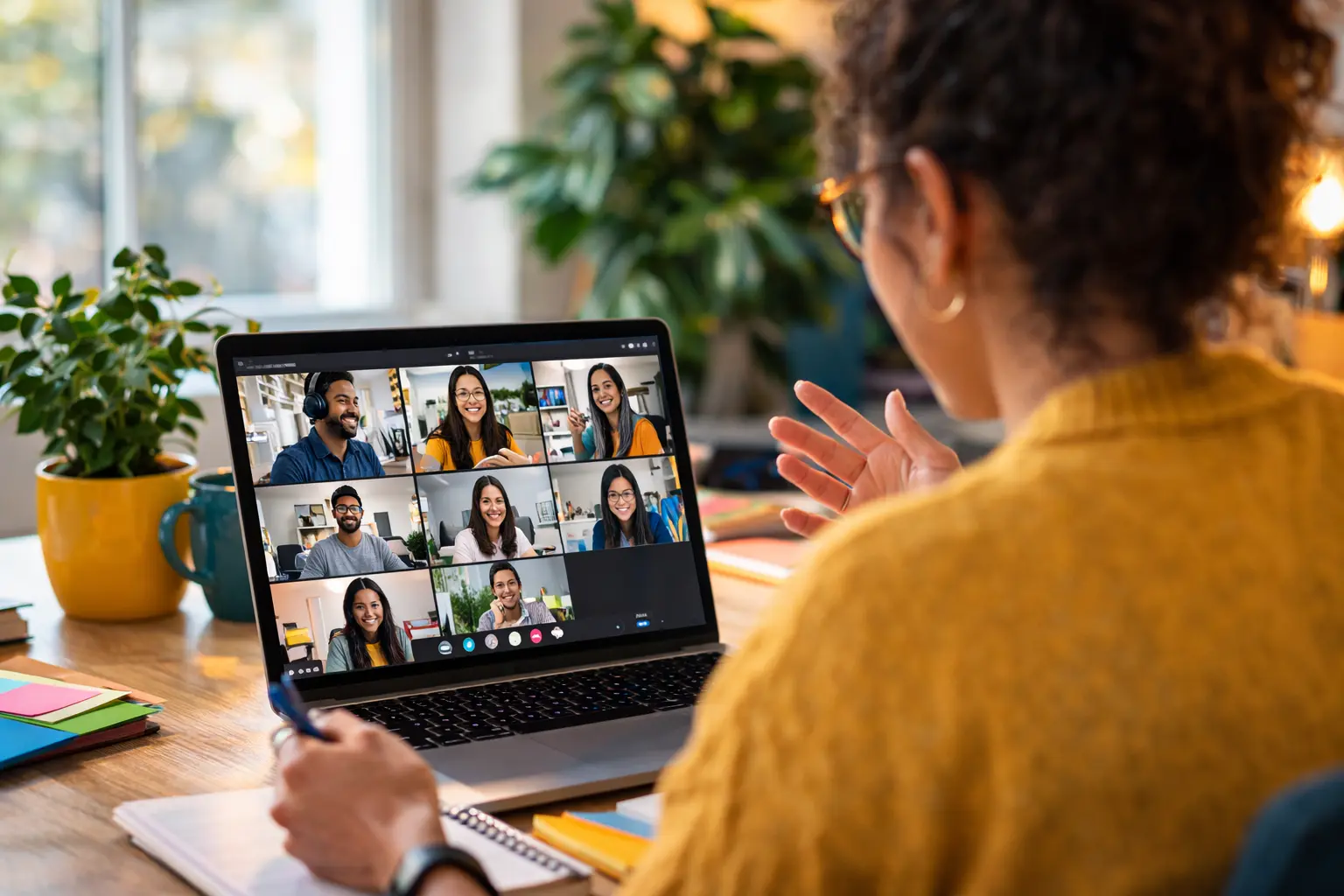
For those who are working from home, the 2026 Winter Games present a delightful but tricky challenge. You have professional responsibilities, virtual meetings, and pressing deadlines, yet you also have a deep desire to catch the figure skating finals. The secret to a successful remote work and viewing balance is a high-speed connection that allows you to appear fully engaged in your professional life while keeping the competition in your peripheral vision.
The screen sharing safety dance
One of the biggest risks for a remote worker using multiple monitors is the accidental screen share. If you are asked to present during a meeting, please help ensure you only share a specific application or your "Professional" monitor. By designating Monitor 1 as the only shareable screen, you can keep the Winter Games running on Peacock on Monitor 2 or your office TV while your colleagues remain unaware of your dual-tasking.
Pro tip: Background blur: Always use the background blur feature on your video conferencing software. This helps ensure the "glow" of your Winter Games TV doesn't alert your boss to your multi-screening activities.
Advanced Wi-Fi technology with Wi-Fi 7
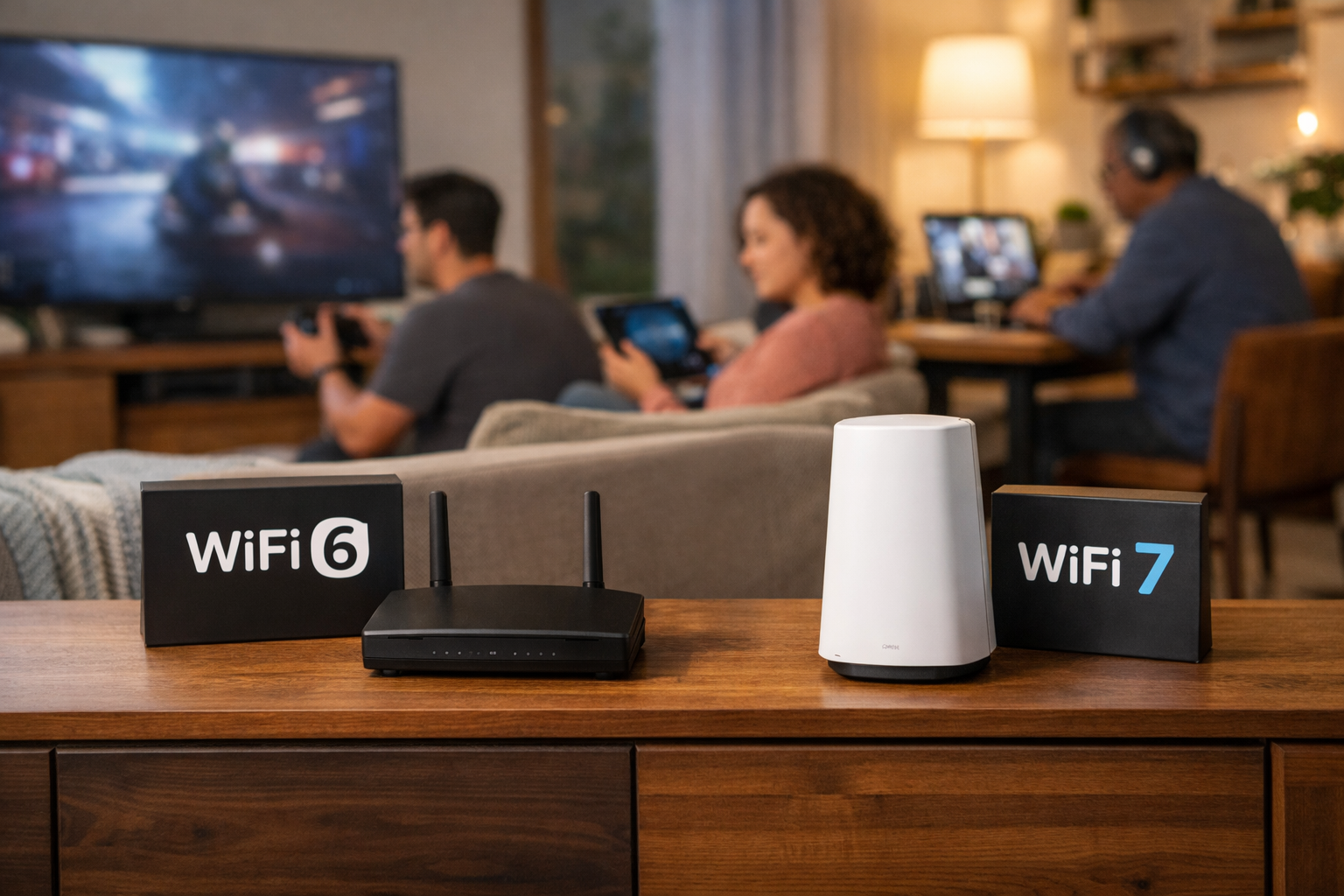
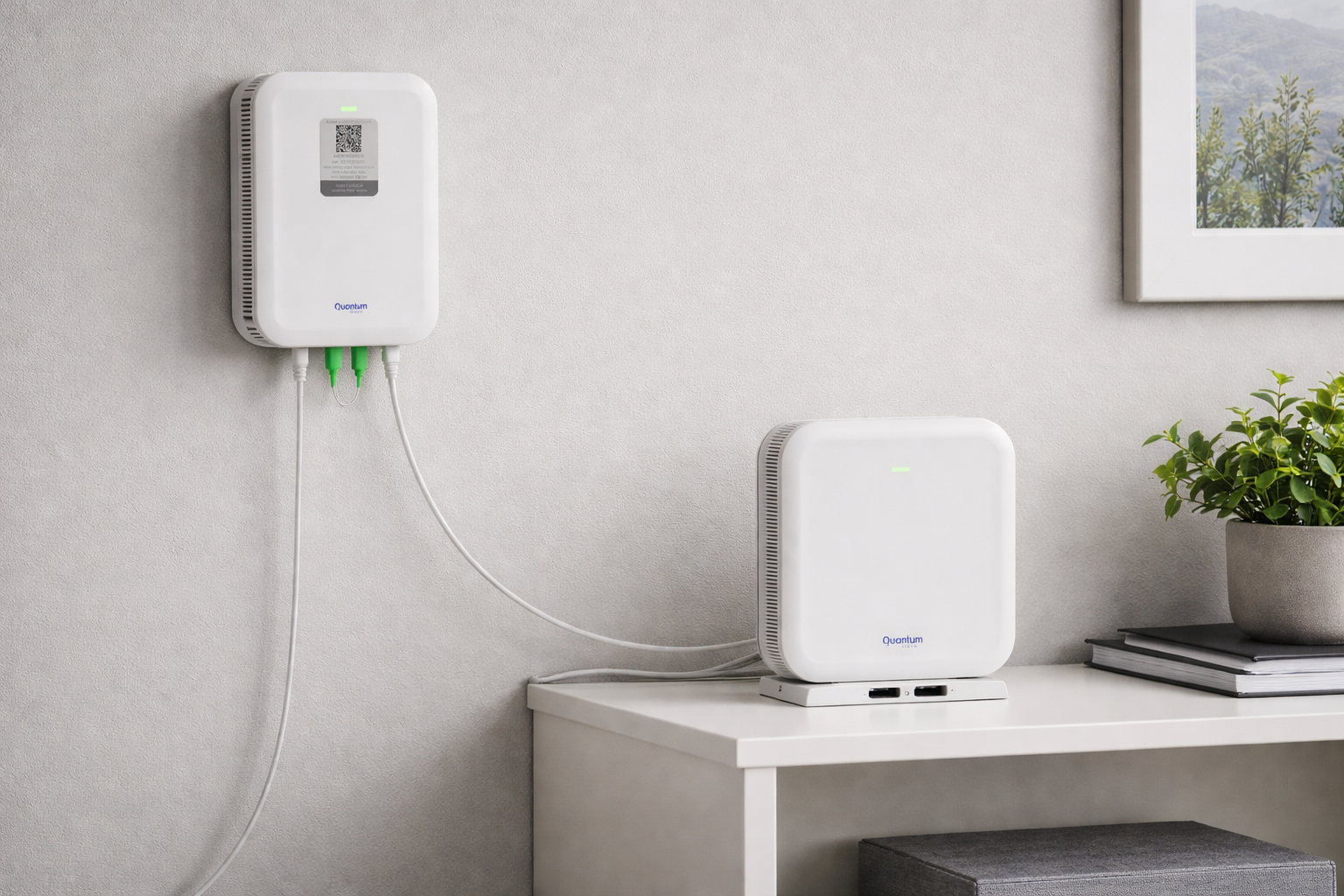
Quantum Fiber is at the forefront of the next generation of connectivity with Wi-Fi 7. This is the latest and most efficient standard in wireless technology. One of the most significant benefits of Wi-Fi 7 is that it helps provide better coverage throughout your home than Wi-Fi 6. It is specifically designed to handle the traffic from your connected devices with more efficiency.
Digital safety while cheering for gold
With the excitement of a global event, it is important to remember your online safety. Major sporting events often attract unwanted attention from bad actors. Fiber internet doesn't just help provide speed; it often serves as a conduit for advanced security features that help protect your network.
Identifying potential cyberthreats
During the 2026 Winter Games, you might see links for "free live streams" or "exclusive behind-the-scenes footage." Be cautious. These can often be traps designed to install malware. Always use official apps like Peacock and verified streaming platforms to help secure your devices.
Frequently asked questions about multi-screen streaming
How many monitors can I connect to my laptop for streaming?
Most modern laptops can support at least two external monitors using a docking station or specialized adapters (like USB-C to HDMI). Some high-end workstations can support three or more. Just help ensure your graphics card and your internet connection can handle the load with ease.
Does streaming on a second monitor affect my work computer's performance?
It can, especially if you are streaming in 4K. High-resolution video uses significant CPU and GPU resources. However, if you have a modern computer and a high-speed fiber connection, you can usually run a stream on one monitor while working on another with minimal impact.
How much speed do I need to stream the Winter Games on three screens?
If you are streaming in HD on three different screens simultaneously, you are using approximately 15-20 Mbps of bandwidth. If you upgrade to 4K on all three, that jumps to 75 Mbps. For a smooth experience that includes your work tasks, we suggest a plan with at least 500 Mbps to help ensure a consistent experience while helping minimize the risk of one device hogging all the bandwidth.
Can I watch the games on multiple devices simultaneously?
Yes, absolutely. The expansive bandwidth provided by a fiber connection helps support multiple high-definition streams at the same time. This is where the benefit of unlimited data truly becomes apparent, as you can have different events running on different screens throughout the house while avoiding the worry of data overages.
What should I do if my Wi-Fi signal is weak in some rooms?
If you notice areas in your home where the signal isn't quite strong enough for smooth streaming on your laptop or tablet, you might benefit from additional pods. These pieces of Wi-Fi hardware work together with your hardwired Wi-Fi pod to help provide whole-home coverage, helping minimize dead zones throughout the house.
Go for the gold with your home network
The 2026 Winter Games are a season for celebration, historic athletic achievements, and—let’s be honest—a significant amount of time spent engaging with our favorite screens during the 9-to-5 workday. By selecting a high-performance internet connection and expanding your digital workspace with a second or third monitor, or even a home office TV, you are setting yourself up for a victory in your own home sanctuary. Whether you are watching Peacock Multiview for all-day coverage or tracking specialized events on USA Network and CNBC, fiber internet is the essential foundation of a modern digital lifestyle.
We are dedicated to helping connect you to the moments that truly matter. From the very first torch lighting to the final closing ceremony in Milano Cortina, your internet connection should be the last thing on your mind. So, go ahead—open that second tab, plug in that third monitor, or fire up the office TV and immerse yourself in the competition. We promise your boss won't hear a word from us about how many times you've replayed that record-breaking downhill run today.
Are you ready to upgrade your home network before the 2026 Winter Games begin?
Content Disclaimer - All content is for informational purposes only, may require user’s additional research, and is provided “as is” without any warranty, condition of any kind (express or implied), or guarantee of outcome or results. Use of this content is at user’s own risk. All third-party company and product or service names referenced in this article are for identification purposes only and do not imply endorsement or affiliation with Quantum Fiber. If Quantum Fiber products and offerings are referenced in the content, they are accurate as of the date of issue. Quantum Fiber services are not available everywhere. Quantum Fiber service usually means 100% fiber-optic network to your location but, in limited circumstances, Quantum Fiber may need to deploy alternative technologies coupled with a non-fiber connection from a certain point (usually the curb) to your location in order to provide the advertised download speeds. © 2026 AT&T Intellectual Property. AT&T and globe logo are registered trademarks of AT&T Intellectual Property. All other marks are the property of their respective owners.