
There was a time when the hum of a home printer was the soundtrack of the American home office. In the past, almost every school project, concert ticket, and monthly bill resulted in a fresh stack of paper. We were a society built on physical filing cabinets and the constant need for replacement ink cartridges. However, as the world has become increasingly digital, our relationship with the physical page has undergone a massive transformation. Today, high-speed connectivity and cloud storage have made it possible to transition away from bulky paper files toward a more streamlined, digital existence.
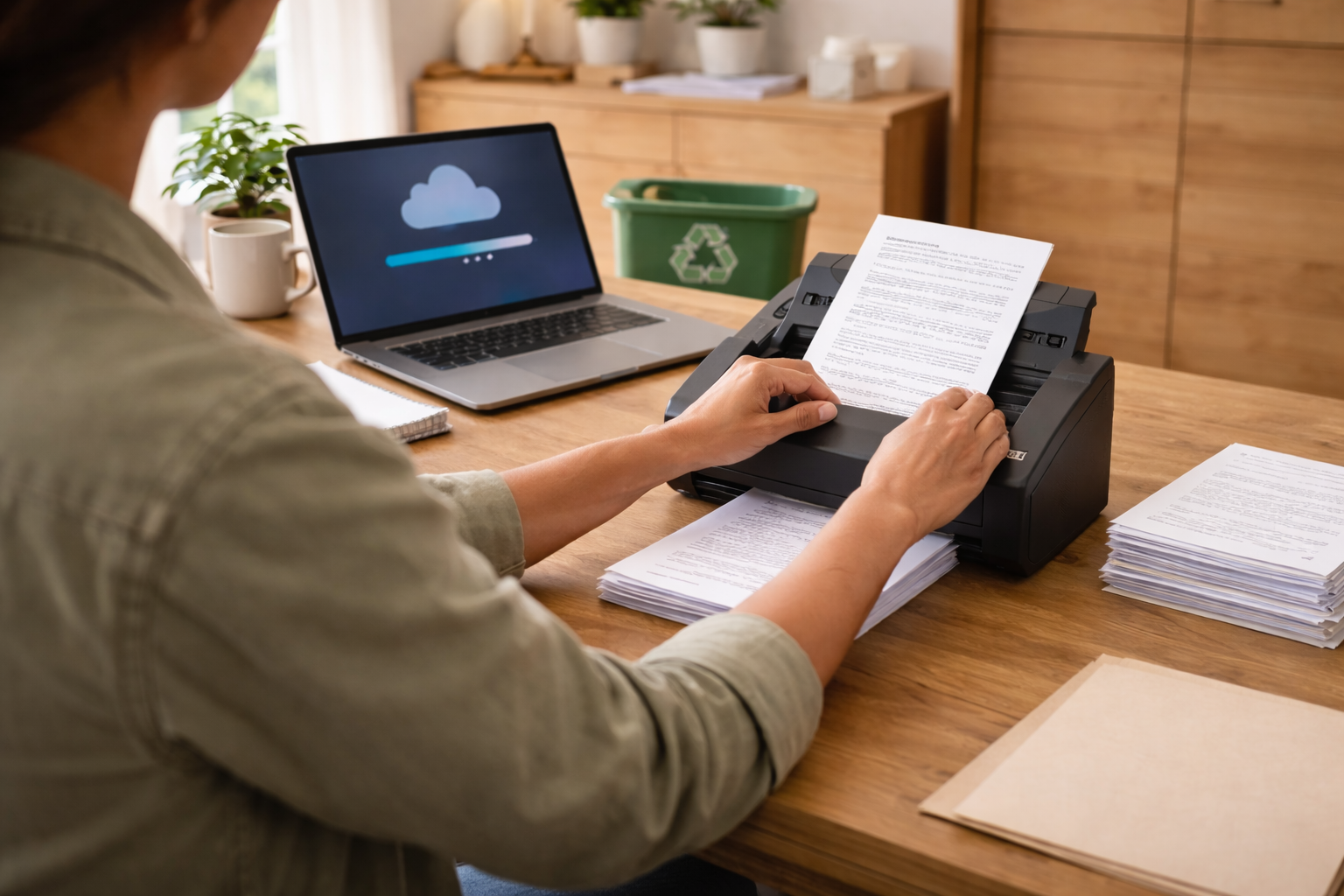
The shift isn’t just about saving space; it’s about efficiency, security, and sustainability. By utilizing an Automatic Document Feeder (ADF) scanner, you can organize and digitalize important documents, helping minimize the impact on the environment while keeping your records accessible from a wide range of devices. Quantum Fiber Internet® helps provide the reliable, high-speed connection necessary to back up these files to the cloud almost instantly.
Key takeaways
- Fiber is a foundational bedrock: High-speed fiber internet is infrastructure that allows digital document management and cloud storage to function effectively.
- Modernizing workflows: Printing has become less frequent as digital alternatives replace the need for physical copies.
- The role of the home printer: While scanning is the future, a printer is still helpful for those rare, essential hard copies.
- Saving on supplies: Moving to digital storage helps you save significantly on the high costs of printer ink and paper.
- The power of ADF scanners: These devices help you digitalize large volumes of paper quickly, helping reduce frustration and clutter.
- Searchability through OCR: Optical character recognition (OCR) makes your digital files searchable, which can translate to finding documents in seconds.
- Cloud storage benefits: Storing documents digitally helps keep them safe, accessible while out and about, and protected from physical damage.
- Symmetrical performance: Quantum Fiber offers symmetrical speeds on most plans, which helps provide the upload power needed to sync large document libraries to the cloud with ease.
Jump to the sections that matter most to you
- The decline of the home printer
- Why the home printer isn't going away entirely
- Saving green by going digital
- Why searchability is your new superpower
- How ADF scanners help modernize your document management
- Digitalizing your life for a better environment
- Helping keep your digital records secure and organized
- Fiber internet: the foundational bedrock of your digital home office
- Sustainable steps for a digital future
- Frequently asked questions
- Ready to declutter your world?
The decline of the home printer
In the past, the printer was the true centerpiece of the home office. Looking back, there is a distinct feeling of nostalgia for the rhythmic "click-clack" of those machines as we printed everything from school reports to recipes. At that time, if you didn't have a hard copy, it almost felt like the document didn't exist. We filled binders with printed research, stuffed drawers with bank statements, and kept shoeboxes full of receipts. It was a physical world that required physical space and maintenance, but as technology matured, the need to hold a physical piece of paper began to dwindle.
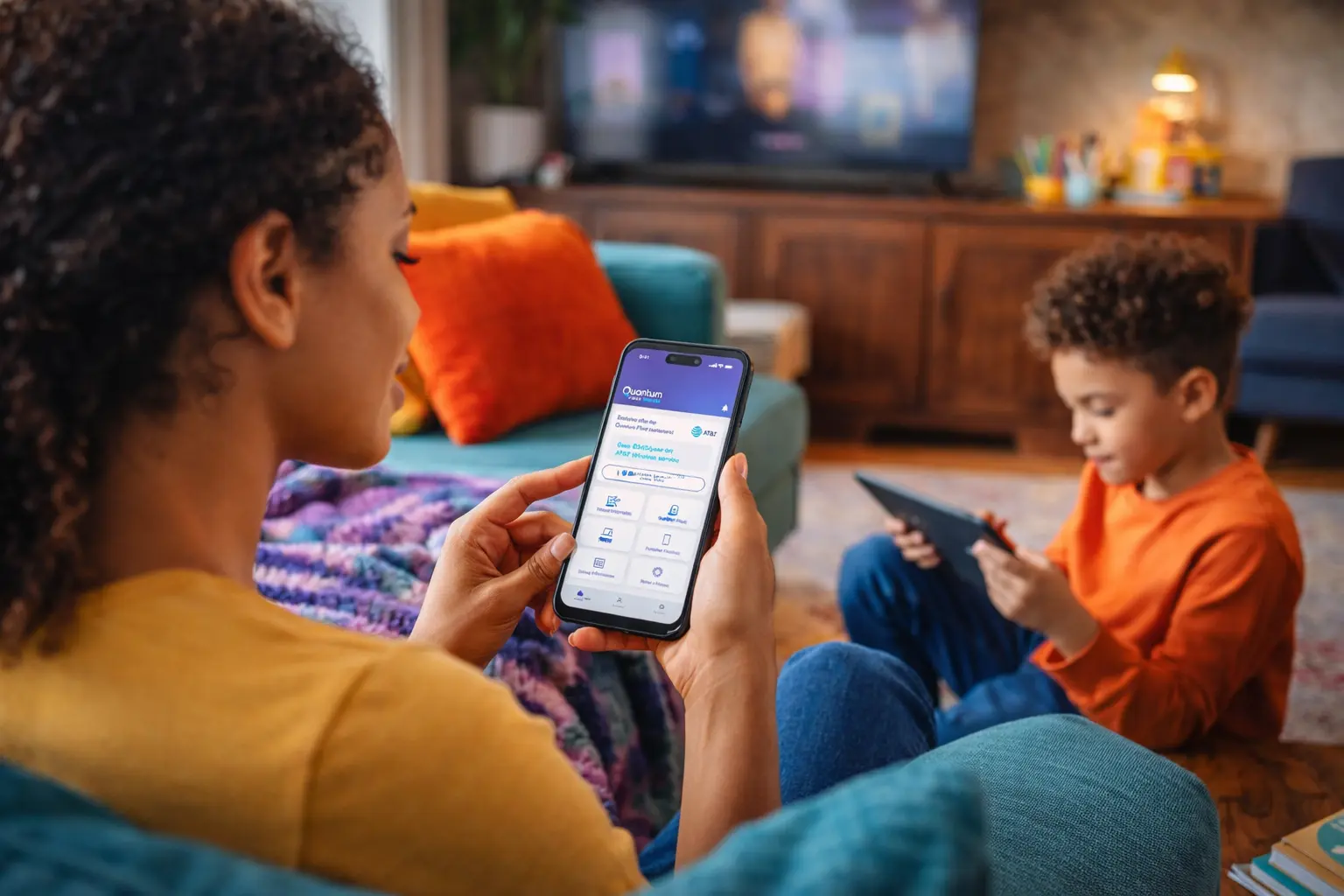
Today, we have screens in our pockets that can display a boarding pass or a grocery list more conveniently than a printed sheet. For families, this shift has changed expectations for home technology. Instead of looking for a device that puts ink on paper, many residents are looking for ways to get paper off their desks and into a digital format.
The transition to a paperless lifestyle is not just a trend; it is a more efficient way to manage the data that defines our lives. Think about the last time you actually needed to print something. Most remote workers now sign contracts digitally and share presentations through cloud-based platforms. The bulky printer that once took up half the desk has been replaced by sleek, high-speed internet equipment and digital tools that help streamline the workflow. We are moving away from the era of "filing" and into the era of "storing" and "syncing."
Why the home printer isn't going away entirely
Now, we have to be realistic—the home printer isn't going away entirely. There will always be those specific moments when you need a physical document in your hands. Maybe it’s a permission slip for the kids’ school, a shipping label for a return, or that one government form that stubbornly refuses to enter the digital age. Sometimes, having a hard copy just feels right, like when you’re proofreading a long manuscript or printing out a family photo to stick on the fridge.
The goal isn't necessarily to banish the printer to the garage forever; it's about changing how we use it. Instead of being the "everything machine" that prints every email and bank statement, the printer becomes a specialized tool for occasional needs. By shifting your primary document management to a digital scanning and cloud storage workflow, you ensure that when you reach for the "Print" button, it’s because it’s actually necessary, not just a habit from years ago.
Pro tip: Preventing ink from going bad
One drawback of using your printer less frequently is that ink can eventually dry out, leading to clogged printheads and streaks. If you only print once or twice a month, consider running a quick test page or a "nozzle check" once a week. This uses a tiny amount of ink but keeps the liquid moving through the system, helping ensure your printer is ready to work when those essential shipping labels or permission slips are finally needed.
Saving green by going digital
One of the most relatable benefits of moving toward a digital scanning workflow is the impact on your wallet. We all know the pain of seeing that "Low Ink" warning pop up on the screen. Printer ink is famously expensive—sometimes costing more per ounce than high-end perfume or vintage balsamic vinegar. When you combine the cost of ink with the rising price of reams of paper, the "home printing habit" can become a significant annual expense.
Digitalizing your home office with ADF scanners helps you save on these recurring costs. When your primary way of "filing" is scanning a document into the cloud, you stop consuming the resources that make traditional offices so expensive.
Where the savings add up:
- Ink and toner: High-yield cartridges are a major investment. By printing less, you make one set of ink last for a year or more instead of just a few months.
- Paper waste: How many times have you printed a ten-page document just to read one paragraph? Moving to a digital-first approach helps minimize this waste.
- Physical storage: Filing cabinets, hanging folders, and storage boxes all cost money and take up valuable real estate in your home.
- Equipment maintenance: Printers have many moving parts that can wear out. Reducing the "mileage" on your printer helps extend its life, saving you from having to buy a replacement prematurely.
For apartment residents or students on a budget, these savings are more than just pocket change. They represent a smart way to allocate your resources while keeping your home office clutter-free.
Why searchability is your new superpower

While cloud storage is a primary benefit of digitalization, searchability—undoubtedly the next biggest advantage—is what changes the game for your daily organization. In the "paper era," finding a specific document meant digging through folders, reading labels, and hoping you filed it in the right spot. If you misfiled a medical record in the "Taxes" folder, it was effectively lost for years.
Today, thanks to the capability of Optical Character Recognition (OCR), you can search for important documents with simple keywords. OCR technology essentially "reads" the text inside your scanned images and converts it into data that your computer can index. This means your digital filing system is no longer just a collection of pictures—it is a fully searchable database of your entire life.
The "hardware store" scenario
Imagine you are out and about, standing in the middle of a home improvement store. You’re looking at a replacement part for your HVAC system, but you can't remember the exact model number or if the unit is still under warranty. In the past, you would have had to drive home, crawl into your attic or basement, find the manual, and hope you kept the receipt in a shoebox.
With a digitalized office, you simply pull out your phone, open your cloud storage app, and type in "HVAC warranty" or "Furnace receipt." Because you used an ADF scanner with OCR, the document pops up almost instantly. You have the exact information you need, exactly when you need it, without ever leaving the store. This level of convenience helps reduce frustration and can translate to significant savings in both time and money.
Accessing information on the go
Whether you are traveling, at a doctor's appointment, or keeping your family organized during a busy school season or a cross-country move, having instant access to your files is life-changing. You can access your documents from out and about, and when you need that information, you can get it quickly because it’s stored in the cloud. Using a keyword to find a document almost instantly is a level of organization that was simply impossible in the era of paper. It helps provide a seamless experience that lets you focus on the task at hand rather than the logistics of finding paper.
How ADF scanners help modernize your document management
If you are a remote worker or managing a busy household, you likely still have stacks of paper from years of traditional record-keeping. This is where an Automatic Document Feeder (ADF) scanner becomes an excellent tool. Unlike a flatbed scanner, where you have to manually place each page, an ADF scanner allows you to stack dozens of pages and let the machine do the work. It’s the difference between doing laundry by hand and using a modern washing machine.
Benefits of using an ADF scanner
- Speed and efficiency: It helps you process multi-page documents almost instantly compared to manual scanning. If you have a 50-page contract, an ADF scanner can pull those pages through in minutes.
- Space saving: By digitalizing your files, you can eventually minimize the need for physical filing cabinets. This is particularly helpful for apartment dwellers where every square foot counts.
- High-quality results: Modern ADF scanners are designed to handle various paper weights and sizes, helping ensure that your digital copies are clear and professional.
- Reliability: These devices are built to handle the traffic of a high-volume home office, helping you maintain a professional standard without the clutter.
For those looking for an affordable way to modernize, an ADF scanner is a smart investment. It helps provide a professional-grade solution for a common household problem: the ever-growing mountain of paper.
Digitalizing your life for a better environment
One of the most compelling reasons to move toward a digital filing system is the positive impact on our planet. The paper industry is one of the largest industrial consumers of water and energy. Furthermore, the production of ink and toner cartridges involves complex chemical processes and plastics that often end up in landfills. By choosing to digitalize your documents and recycle the originals, you are helping minimize your environmental footprint.
Imagine the amount of paper waste generated by monthly bank statements, utility bills, and insurance policies over several years. When you scan these documents into a digital format, you help eliminate the need for future paper production while helping ensure that your information is preserved. Recycling those old documents is the final step in closing the loop on a more sustainable lifestyle. It’s about taking responsibility for the physical trail we leave behind and choosing a path that respects natural resources.
How to transition to a green digital office
- Audit your paper: Go through your filing cabinets and decide what truly needs a physical original (like a birth certificate or a social security card) and what can be digitalized. You’ll find that a vast majority of what we keep can be stored safely in the cloud.
- Scan in batches: Don’t try to do it all in one day. Use your ADF scanner to process one drawer or one folder at a time. This helps reduce frustration and keeps the project manageable.
- Verify the quality: Before you shred or recycle anything, make sure the scan is clear and all pages are accounted for.
- Recycle responsibly: Once you have a verified digital backup, take your old papers to a local recycling center. If they contain sensitive info, use a cross-cut shredder first.
- Go paperless at the source: Update your account settings for all your service providers to "paperless billing." This helps prevent new clutter from entering your home in the first place.
This approach helps create a cleaner, more organized living space while contributing to a healthier environment. When your home is less cluttered, it’s easier to focus on what matters—whether that’s your career, your family, or your hobbies.
Helping keep your digital records secure and organized
A common concern when moving from physical to digital is security. How do you help ensure your information stays safe from cyberthreats or data loss? The good news is that digital records, when managed correctly, can be much more secure than paper files sitting in an unlocked cabinet or a box in the attic.
Digitalizing your home office with ADF scanners allows you to implement several layers of security. You can encrypt sensitive files, use strong passwords, and, most importantly, create redundant backups. This is where a high-speed, reliable connection becomes vital. Unlimited data plans allow you to back up your entire digital library to the cloud without worrying about data caps. This helps ensure that even if your computer fails, your documents remain safe in a secure, remote location.
Tips for organizing your digital files
- Use a consistent naming convention: Instead of "scan123.pdf," use "2024-05-Medical-Bill-Smith.pdf." This makes searching your drive much easier.
- Create a logical folder structure: Organize by category (Taxes, Home, Health, Work), or family member.
- Implement the 3-2-1 backup rule: Have three copies of your data (original plus two backups), on two different types of media (e.g., your computer and an external drive), with one copy stored off-site (in the cloud).
- Schedule regular cleanups: Spend ten minutes a month archiving old files to help keep your active workspace tidy and efficient.
By taking these steps, you help protect your personal information from physical threats like fire, mold, or water damage, while also making it easier to manage across many of your devices.
Fiber internet: the foundational bedrock of your digital home office
When building a modern digital office, many residents point to cloud storage as the primary benefit. However, fiber internet is the true foundation that makes everything else possible. You can have the most sophisticated ADF scanner and the largest cloud storage plan in the world, but if your internet connection is slow or unreliable, your digital workflow will struggle to keep up.
Quantum Fiber internet helps provide the essential bedrock for your home office. While cloud storage provides the virtual safety net, it is the fiber connection that allows you to move large batches of scanned documents effortlessly. With 99.9% reliability, based on network uptime or availability, you can trust that your digital filing system is accessible when you need it most.
This infrastructure relies heavily on the ability to move data quickly and reliably. If you are scanning hundreds of pages of high-resolution documents, you need an internet connection that can handle the upload. This is where the benefits of symmetrical speeds really shine. Quantum Fiber offers symmetrical speeds on most plans, meaning your scanned documents go up to the cloud as fast as they come down. This helps provide a consistent connection that helps keep your digital office running smoothly, contributing to a seamless experience.
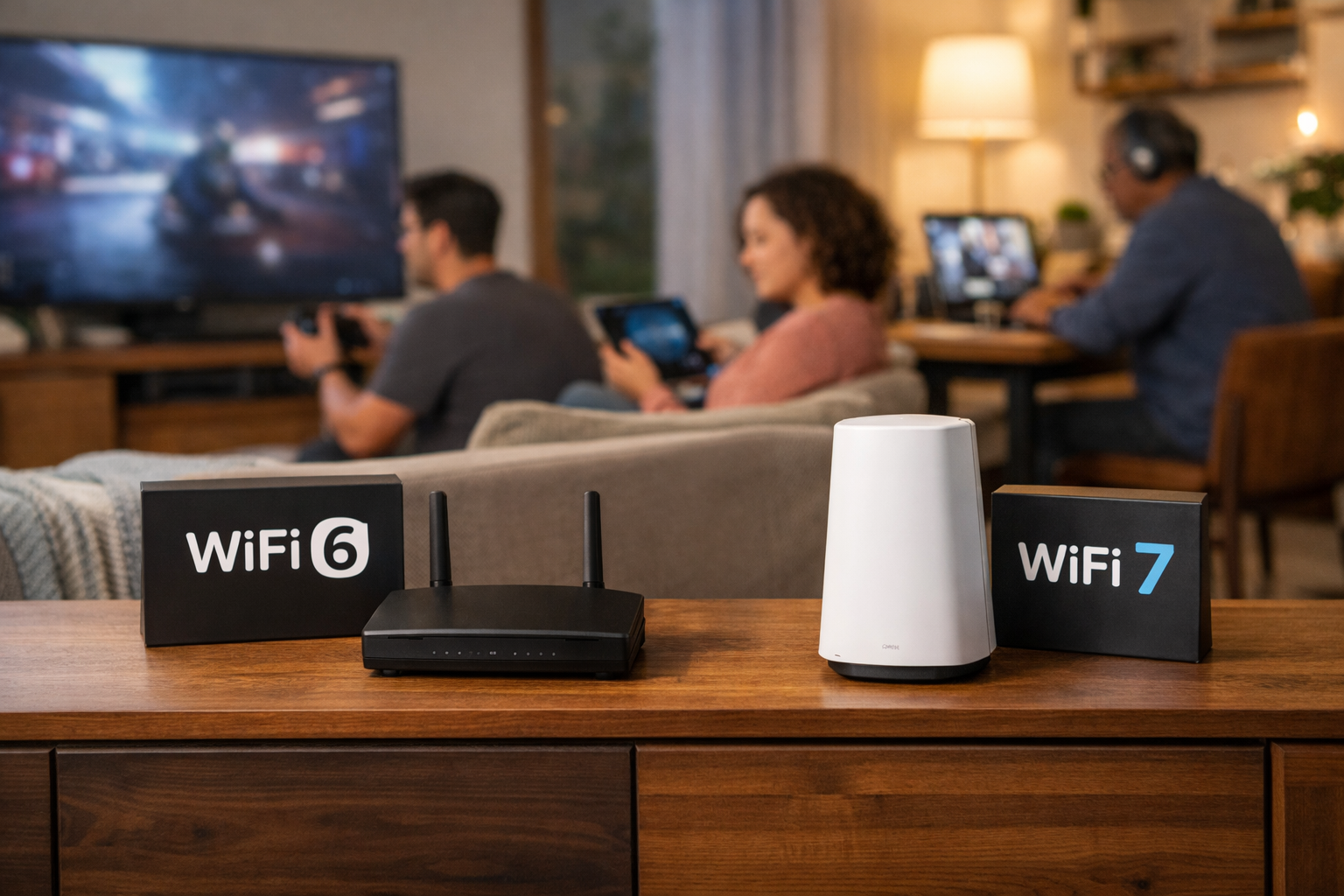
Furthermore, Quantum Fiber internet helps provide advanced Wi-Fi technology, powered by Wi-Fi 7, which helps provide greater coverage throughout your home than Wi-Fi 6. This is particularly important if your scanning setup is in a separate room from your main workstation; you can use a scanner connected to Wi-Fi in one room and access the results on a tablet in another without excessive buffering. Whether you are a student working on a thesis or a professional managing a small business, this connectivity helps ensure that your transition to digital is as smooth as possible. Without the power of fiber, cloud storage is just a dormant tool; with it, your home office becomes a high-speed hub of efficiency.
Sustainable steps for a digital future
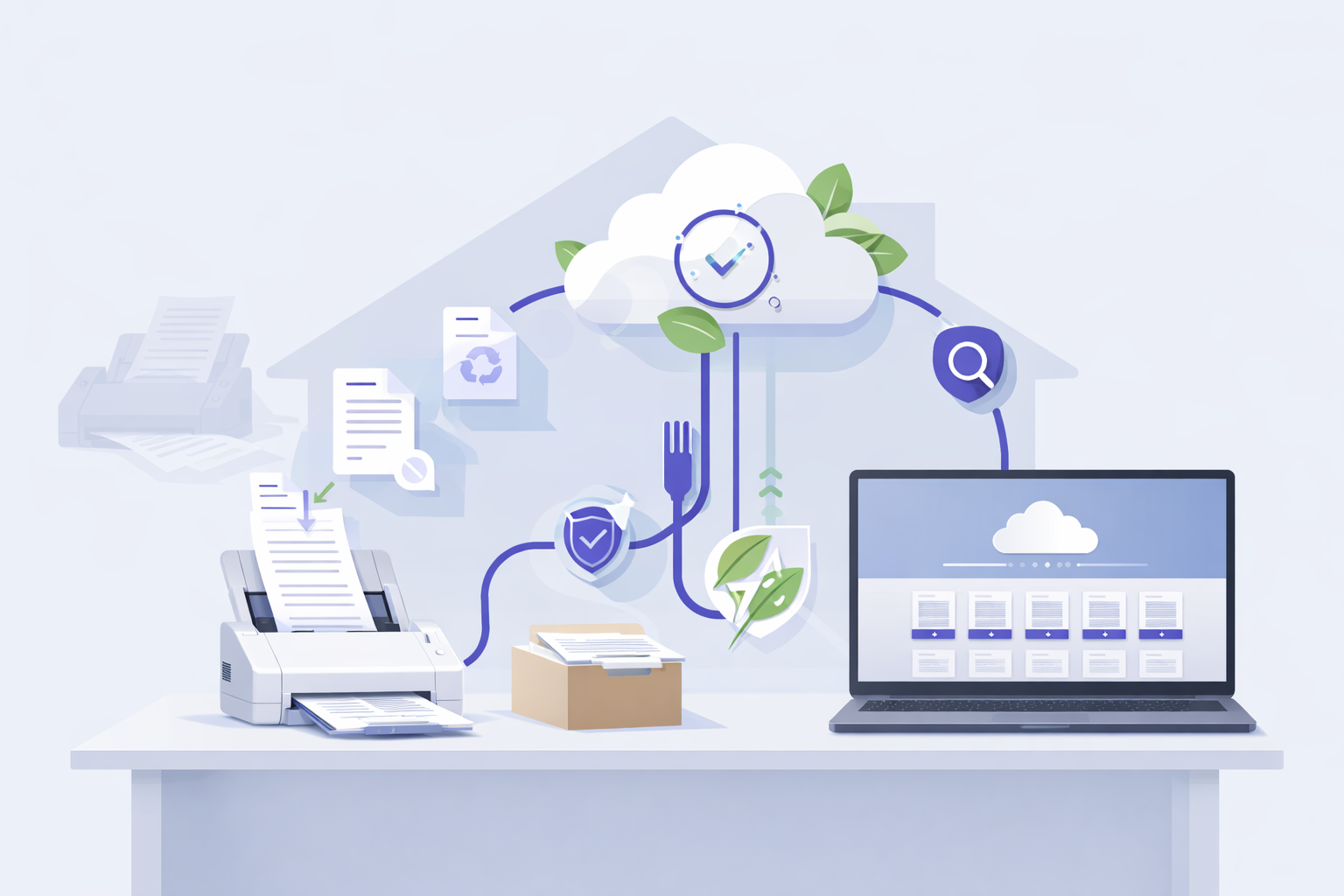
Moving from a paper-heavy household to a digital-first approach is about more than just swapping out hardware. It helps foster a mindset that values organization, enhanced security, and environmental responsibility. By utilizing ADF scanners and digital workflows, you are doing more than just decluttering your home—you are helping build a lifestyle where your important information is accessible, organized, and sustainable.
As we look ahead, the hum of the printer will continue to fade, replaced by the silent efficiency of fiber-powered cloud storage. It’s a change that helps protect our environment while making our daily lives a little bit simpler. With no annual contract and no credit check options, getting the high-speed connection needed for this digital shift is easier than ever for everyone, from apartment residents to long-time homeowners.
Frequently asked questions
Do I really need an ADF scanner if I have a phone?
While phone apps are great for a single receipt, an ADF scanner is an excellent choice for multi-page documents or large projects. It helps process pages much faster and often produces higher-quality, more professional scans. It also helps reduce frustration when you have a hundred pages to get through.
Is digital storage actually better for the environment?
Yes, when you consider the energy, water, and chemicals required to produce, transport, and recycle paper. Storing data on efficient cloud servers helps minimize the overall environmental footprint of record-keeping, especially when compared to the carbon cost of shipping physical documents.
What happens to my files if my internet goes out?
By using local storage (like a hard drive) in addition to cloud backup, you help ensure your files are always accessible. Furthermore, Quantum Fiber offers 99.9% reliability, based on network uptime or availability, helping you stay connected when it matters most.
How do I recycle my old scanner or printer?
You can often find e-waste recycling programs at local electronics retailers or municipal recycling centers. Helping ensure your old hardware is disposed of properly is another great way to help minimize your impact on the environment.
What are symmetrical speeds?
Symmetrical speeds which are offered on most plans from Quantum Fiber mean that your upload speed is just as fast as your download speed. This is crucial for digitalizing a home office because it helps ensure your large scanned files reach the cloud almost instantly, which helps maintain performance across your network.
Can I share digital files with people who aren't tech-savvy?
Absolutely. One of the best parts about digitalizing is the ability to send a simple link. For example, families can share digital photo basics or family documents with relatives with just a few clicks. It helps connect people without the need for physical mail.
Does Wi-Fi 7 help with scanning large documents?
Wi-Fi 7 helps provide a more reliable and efficient connection than Wi-Fi 6 so many of your devices can work simultaneously.. Because it helps provide better coverage throughout your home than Wi-Fi 6, you can use a scanner connected to Wi-Fi in one room and access the results on a tablet in another without excessive buffering.
How much does it cost to go paperless?
Beyond the initial investment in an ADF scanner, many of the best digital organization tools are affordable or even free. When you factor in the money saved on ink, paper, and physical storage space, going paperless can be a very low-cost lifestyle change.
How do I know if my internet is fast enough for cloud backups?
You can use the Quantum Fiber speed test tool check your current performance. If you find your upload speeds are not fast enough for your needs, you could benefit from upgrading to a faster plan.
Ready to declutter your world?
The journey from a paper-filled past to a digital future is an exciting one. By utilizing modern scanning technology and a reliable internet connection, you can transform your home office into a model of efficiency and sustainability. Digitalizing your records helps keep your life organized and your footprint small. It’s about more than just getting rid of paper; it’s about creating a lifestyle that is ready for the demands of the modern world.
If you are eager to power your digital home office with the speeds you need, check to see if Quantum Fiber is available in your area today. How much extra space could you reclaim by finally saying goodbye to your old filing cabinet and embracing a paperless lifestyle?
Content Disclaimer - All content is for informational purposes only, may require user’s additional research, and is provided “as is” without any warranty, condition of any kind (express or implied), or guarantee of outcome or results. Use of this content is at user’s own risk. All third-party company and product or service names referenced in this article are for identification purposes only and do not imply endorsement or affiliation with Quantum Fiber. If Quantum Fiber products and offerings are referenced in the content, they are accurate as of the date of issue. Quantum Fiber services are not available everywhere. Quantum Fiber service usually means 100% fiber-optic network to your location but, in limited circumstances, Quantum Fiber may need to deploy alternative technologies coupled with a non-fiber connection from a certain point (usually the curb) to your location in order to provide the advertised download speeds. © 2026 AT&T Intellectual Property. AT&T and globe logo are registered trademarks of AT&T Intellectual Property. All other marks are the property of their respective owners.