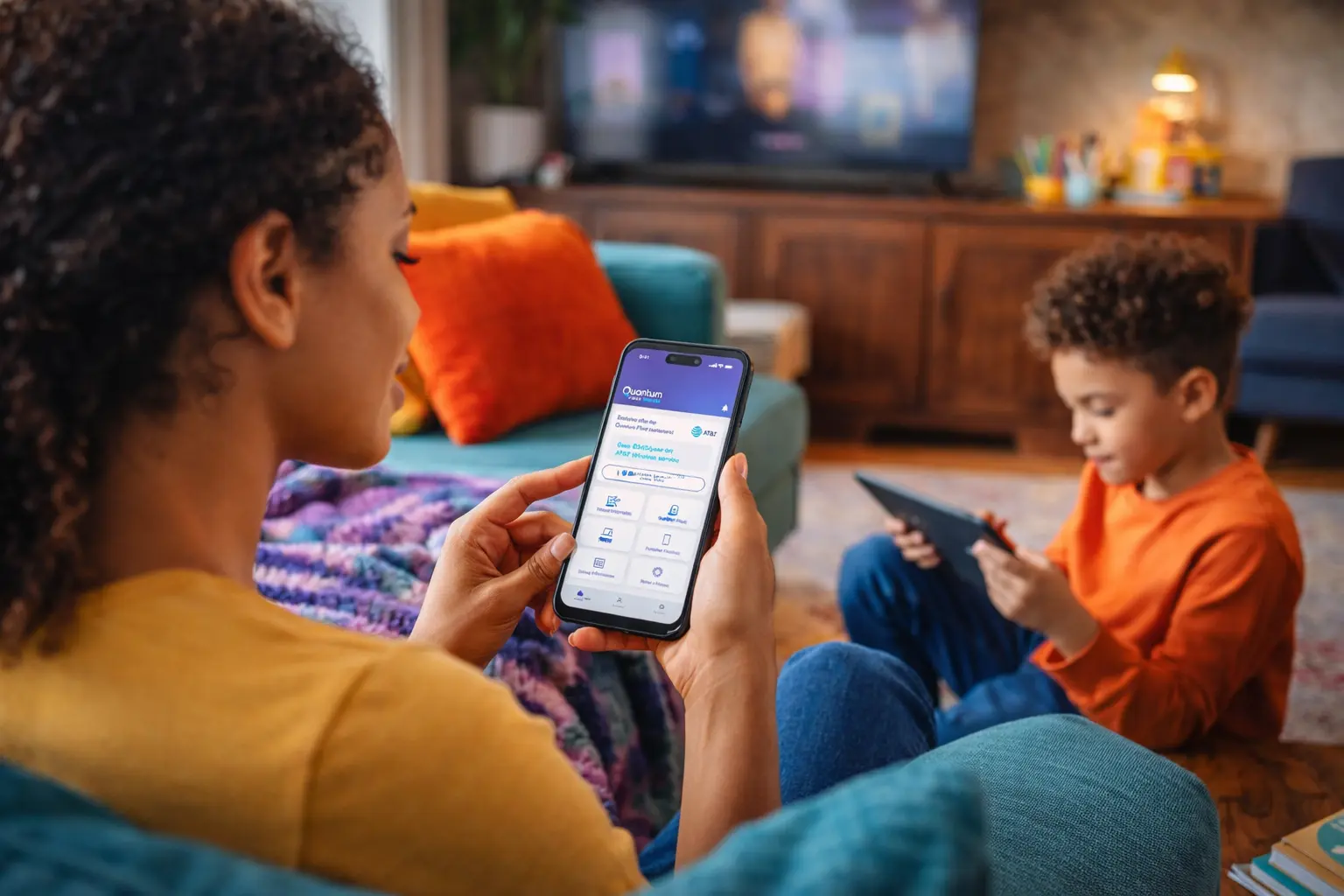


It’s no surprise that almost all U.S. teens use the internet on a daily basis. But according to some studies, at least 60% of children under the age of 12 also use a smartphone in some way. From gaming to social media to education, there are seemingly endless ways that kids engage with the online world.
There is good news in those statistics. Access to fiber broadband can significantly improve elementary school passing rates, as well as performance on standardized tests. (See our guide to the top learning apps for kids here.) Still, whether you’re a parent, guardian, caregiver, or teacher, you know that those benefits come with risks.
Researchers classify the risks of internet access for children via the 4Cs framework:
- Contact risks include inappropriate contact with strangers online, oversharing of personal information, and device addiction.
- Content risks include searching for and engaging with inappropriate online content, including misinformation.
- Conduct risks include cyberbullying and inappropriate interactions with peers.
- Contract risks include lack of awareness surrounding digital security and privacy, leaving personal data vulnerable to exploitation.
While adults may be vulnerable to the same online safety risks, children and teens are at a different phase of cognitive development. Kids may not have developed the judgment they need to effectively manage online risks.
With that in mind, use these important online safety tips to help keep the kids in your life safe from harm.
Online safety tips start with getting involved
One of the simplest yet most vital online safety tips is to always know who your children talk to online. You’ve probably talked to your kids about not talking to strangers in real life. Make sure the same rules apply to their online interactions.
- Talk to your child about the apps and websites they use. Try them yourself to learn how they operate. And ask your child who they’re connecting with online.
- Help your child to understand that strangers online aren’t always what they seem. In the real world, it’s easier to identify strangers. Online, however, they can pretend to be peers or other people your children know personally.
- Encourage your child to keep personal information private. Tell them not to share details like their name, address, or phone number with people they don’t know online. Help them understand that anything they post can be saved, shared, or made public without warning, even if it only appeared in a private chat with friends.
- Monitor your child’s online activity Let them know you’re doing it, so that they don’t feel as if you’re violating their trust. By being transparent and keeping the lines of communication open, your child will feel more comfortable coming to you if they sense any threats to their online safety.
 You may also consider keeping your computer in a highly visible common area in your home (for example, in your kitchen). That way, you can easily monitor what your child is doing online without seeming as if you’re spying on them. Having the computer in a high-traffic area also acts as a deterrent: children are less likely to go looking for harmful content if they know you can see what they’re doing. (The American Academy of Pediatrics recommends keeping internet-connected devices out of your child’s bedroom.)
Digital content and online safety
The internet offers us access to an unprecedented amount of information. From peer-reviewed science journals to archival recordings of historical events, children today can easily access primary source materials.
Unfortunately, they can also find disinformation, hate speech, and other disturbing material—and they may not have developed the judgment they need to tell good content from bad.
Here are a few online safety tips to help you protect your child from dangerous content:
- Make sure you check the recommended age rating for every app on your child’s device. Common Sense Media and ESRB (Entertainment Software Rating Board) are both great resources that offer reviews of apps and games, including information on ad content and in-app purchases.
- Parental control apps can help you limit screen time, block harmful content, and monitor your child’s online habits from your own devices.
- Encourage critical thinking. Teach your child to question information they see and read online; show them how to verify a source before sharing or posting something that could get them in trouble.
Teaching responsible behavior for online safety

Many of us—adults included—sometimes forget that what happens online and what happens in real life aren’t mutually exclusive. Online behavior can have serious real-world consequences. Online safety isn’t just about what others do to us; it’s also about what we do to others.
Parents often worry about their kids becoming the victims of cyberbullying, which is increasingly responsible for anxiety and depression in young people. Talk regularly to your kids about their social media use. Let them know that if something feels wrong, they can come to you.
At the same time, remember the anonymity of the internet may also tempt your kids to perpetrate harmful behavior, even if they don’t fully understand what they’re doing. Cyberbullies can face serious consequences, including lawsuits and even criminal charges. And the more time your kids spend online, the more prone they are to engage in cyberbullying—which means putting limits on screen time can be an effective online safety tactic.
You can also teach your kids to stand up for others when they see bullying online. It’s an opportunity to teach kindness, respect, and empathy: all qualities that will serve them both online and in real life.
Addressing online safety can help bring families together

It can sometimes feel awkward to bring up sensitive topics with your kids. Even if they don’t always show it, children value their parents’ involvement in their online safety. With the right approach, you can make your kids feel as if they’re taking an active role in their own safety—while letting them know that you respect their independence.
The internet is a powerful tool. Used wisely, it can open new avenues for learning, creativity, and connection. By establishing a few simple online safety tips, you can help keep your child on the right path. Visit our website for more online safety tips for everyone in your family.
Content Disclaimer - All content is for informational purposes only, may require user’s additional research, and is provided “as is” without any warranty, condition of any kind (express or implied), or guarantee of outcome or results. Use of this content is at user’s own risk. All third-party company and product or service names referenced in this article are for identification purposes only and do not imply endorsement or affiliation with Quantum Fiber. If Quantum Fiber products and offerings are referenced in the content, they are accurate as of the date of issue. Quantum Fiber services are not available everywhere. Quantum Fiber service usually means 100% fiber-optic network to your location but, in limited circumstances, Quantum Fiber may need to deploy alternative technologies coupled with a non-fiber connection from a certain point (usually the curb) to your location in order to provide the advertised download speeds. © 2026 AT&T Intellectual Property. AT&T and globe logo are registered trademarks of AT&T Intellectual Property. All other marks are the property of their respective owners.